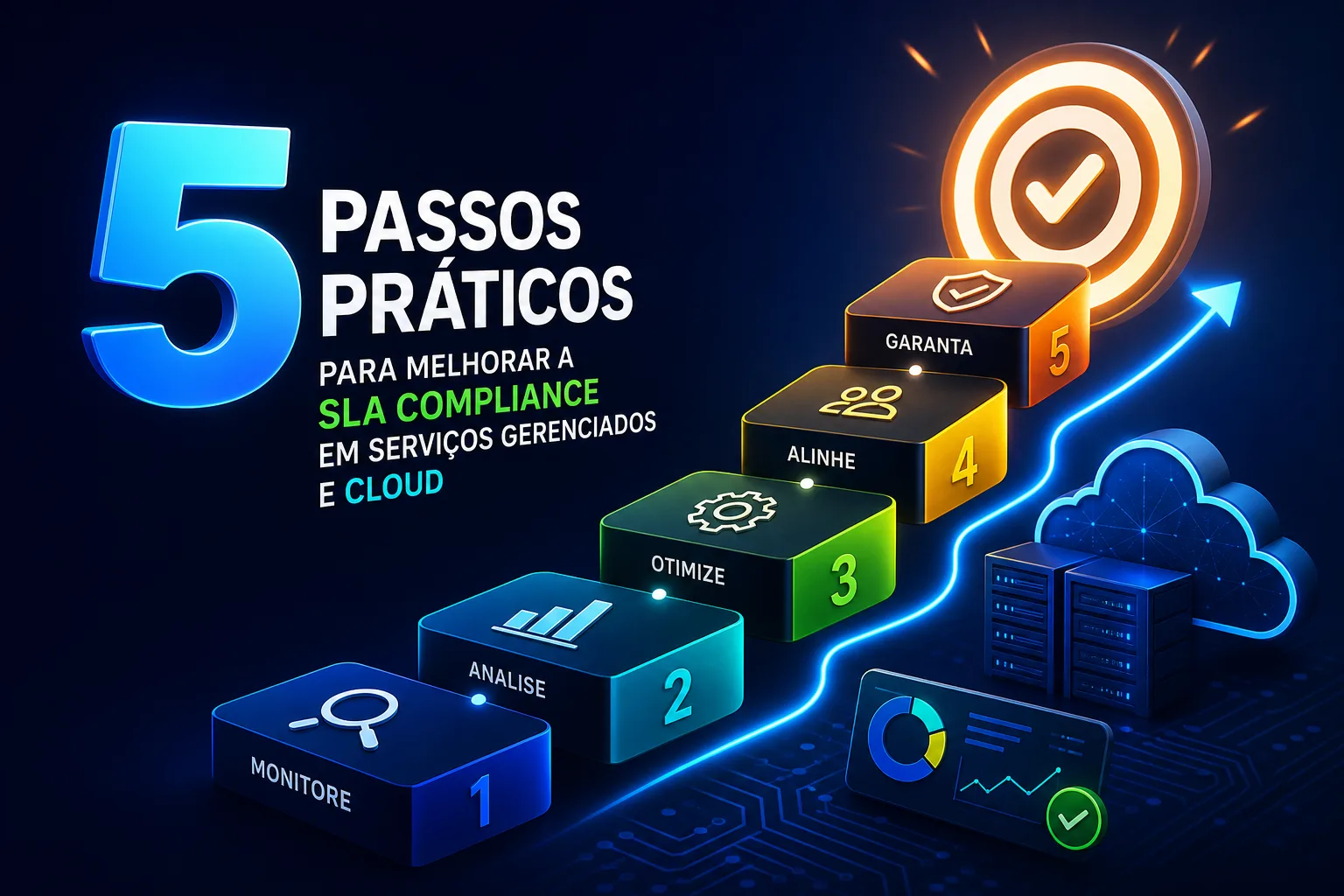
5 passos práticos para melhorar a SLA compliance em serviços gerenciados e cloud
It’s the end of another hectic day at a managed service desk: agents juggling urgent…
It’s the end of another hectic day at a managed service desk: agents juggling urgent requests, managers fielding emails about missed targets, and the dashboard flashing warnings about tickets close to breaching. For teams in IT support and cloud environments, this cycle can feel endless. Even with new software or firm reminders, the percentage of tickets delivered within the agreed time—the heart of SLA compliance—can remain frustratingly stubborn. But teams that consistently improve SLA compliance don’t just rely on working harder. They build a system where automation, real-time analytics, and smart resource planning take the guesswork out of meeting demanding targets, even when volumes spike and priorities shift without warning.
Why clear SLA goals and metrics matter
Every high-performing support operation starts with clarity. If your SLA contract leaves room for interpretation, you’re inviting confusion, disputes, and, ultimately, missed targets that could have been avoided. The gold standard is an SLA that spells out not just what the provider will deliver, but how success will be measured. That means setting concrete metrics—like “first response time within one hour” or “99.9% service uptime”—with the measurement method agreed upfront. For example, some providers define exactly when the response time clock starts, and it’s crucial for this detail to be clear to both parties.
Consequences for missing targets need to be clear and proportional. Mature organizations embed remedies like service credits or, for repeated or severe breaches, the right for the customer to terminate the contract. These aren’t just penalties—they’re signals to both provider and client about the seriousness of the commitment. This way, everyone knows what’s at stake, and there’s less incentive to fudge numbers or “game” the system.
But the real differentiator is how the best teams use these SLAs in daily work. Instead of just filing them away, they become the compass for operational decisions. When agents know exactly which metrics matter—say, that P1 incidents demand immediate attention while password resets can wait—prioritization becomes second nature. This clarity trickles up to managers and execs, who can allocate resources where they’ll make the most difference, and down to front-line staff, who see how their actions move the compliance needle.
SLAs should also be living documents. As new technologies, customer needs, or business risks emerge, the contract should be updated. This avoids the trap of “set and forget,” where outdated terms become a source of friction rather than a tool for improvement. Engaging both sides in regular SLA reviews keeps everyone aligned on what matters, what’s realistic, and how success is defined.
Automate ticket routing and prioritization
Ask any service desk lead where most SLA breaches start, and you’ll hear stories of tickets bouncing between teams or languishing in the wrong queue. Manual triage is not only slow—it’s prone to error, especially when volumes spike. Automation, when done right, is the antidote. The core idea is simple: the system, not a stressed agent, handles the first cut.
Picture a typical workflow: as each new ticket arrives, the platform automatically checks its priority (is this a system-down emergency or a routine question?) and categorizes it by type (such as hardware, software, or billing). SLA-based routing rules then assign the ticket to the right team—no more guesswork or accidental misrouting. At the same time, an SLA timer starts, counting down to the agreed deadline.
This isn’t just about speed. Automated workflows can trigger alerts as deadlines approach, flagging tickets that are at risk of breaching. Early escalation rules are triggered when jobs are likely to miss targets, allowing supervisors to see and act before a breach occurs. In field service, auto-triage goes further: the ticket intake process checks for required skills and technician location, route planning incorporates real travel times, and the system raises the alarm if a part shortage or traffic jam could cause a delay.
Sophisticated operations set different SLA tiers for critical and non-critical issues. For example, enterprise support teams using Jira often aim for 99.9% compliance on their highest-priority queues, while allowing more breathing room for less urgent tickets. This tiered approach means resources are focused where they have the biggest impact, without overwhelming the team with impossible targets for every request.
One overlooked aspect is the feedback loop: automated systems can log why a ticket was escalated or delayed, feeding data back into process improvement. Over time, this means fewer surprises and a steadily rising compliance rate, even as the volume and complexity of requests grow.
Monitor SLA status in real time
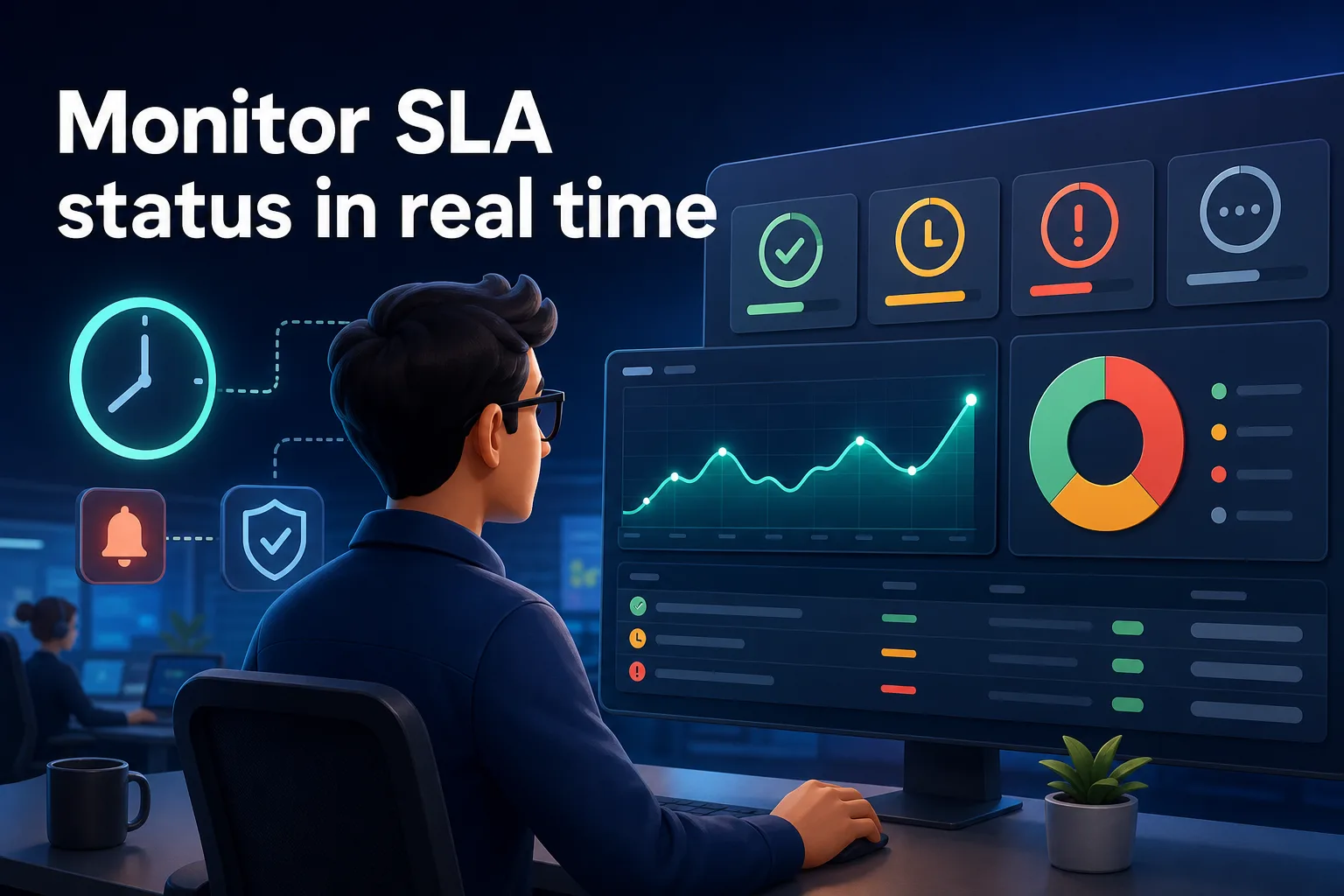
No matter how clear your SLAs or how smart your routing, blind spots can still crop up. That’s where real-time monitoring becomes the safety net teams rely on. Instead of waiting for the monthly report to sound the alarm, modern service desks use live dashboards to track SLA performance ticket by ticket, minute by minute.
Platforms like Jira Service Management, for example, give managers and agents a color-coded overview of all open tickets, with those approaching breach highlighted front and center. Automated alerts are more than just a nudge—they’re a call to action. When the system flags that a ticket is close to breaching the SLA deadline, the team can intervene promptly, preventing the issue from slipping through the cracks.
This shift from after-the-fact reporting to proactive management changes team behavior. Support centers that routinely review live SLA dashboards and act on real-time alerts can significantly reduce missed deadlines during peak times or high-volume periods. In one example, a support group that previously struggled during product launches dramatically reduced breaches simply by responding to real-time alerts and reviewing the dashboard as a matter of routine.
Field service teams also benefit from mobile status updates. Technicians can update their job progress on the go, letting the back-office team know if a delay is looming. If travel problems or missing equipment threaten the SLA, the system escalates or reassigns the job with enough time to avoid a breach. This tight feedback loop between field and office keeps compliance rates high, even when the unexpected hits.
In short, real-time monitoring isn’t just a technical upgrade—it’s a culture shift. It enables teams to move from firefighting to prevention, making SLA compliance less about luck and more about consistent, informed action.
Design SLAs that fit your capacity
Ambitious SLA targets might look impressive in a contract, but if they don’t match what your team can deliver, you’re setting yourself up to fail. Structural breaches—where the SLA is missed not because of a one-off mistake, but because the goal was never realistic—quickly sap morale and credibility. High-compliance organizations sidestep this trap by grounding their SLAs in real service capacity and historical data.
Start with a straightforward audit: how many requests can each team or technician handle per shift, and what does your breach history reveal? Look for patterns: are certain times of day, ticket types, or handoff points consistent trouble spots? Use this data, not gut feeling, to set response and resolution times. For example, if your team consistently resolves critical incidents within one hour but struggles with password resets during peak periods, it's time to adjust your targets so they reflect actual performance.
It’s also smart to design multiple SLA tiers. Not every request has the same impact or urgency, so why apply the same deadline to all? A password reset might be given a four-hour window, while a critical server outage gets a one-hour fix. By differentiating, you avoid overloading your team and make compliance actually achievable.
Refining SLAs is an ongoing process. Continually review breach patterns and run root cause analysis—was a deadline missed due to a resource shortage, a process breakdown, or an unrealistic target? Use this insight to adjust staffing, revisit workflows, or even renegotiate contract terms. In enterprise environments, teams that base their SLAs on historical performance and adjust as needs evolve routinely hit very high compliance rates, with some reporting about 99.9% compliance for their most critical queues.
The bottom line: realistic, capacity-aligned SLAs set your team up for sustainable success, not endless firefighting.
Train your team and plan resources for high-risk periods
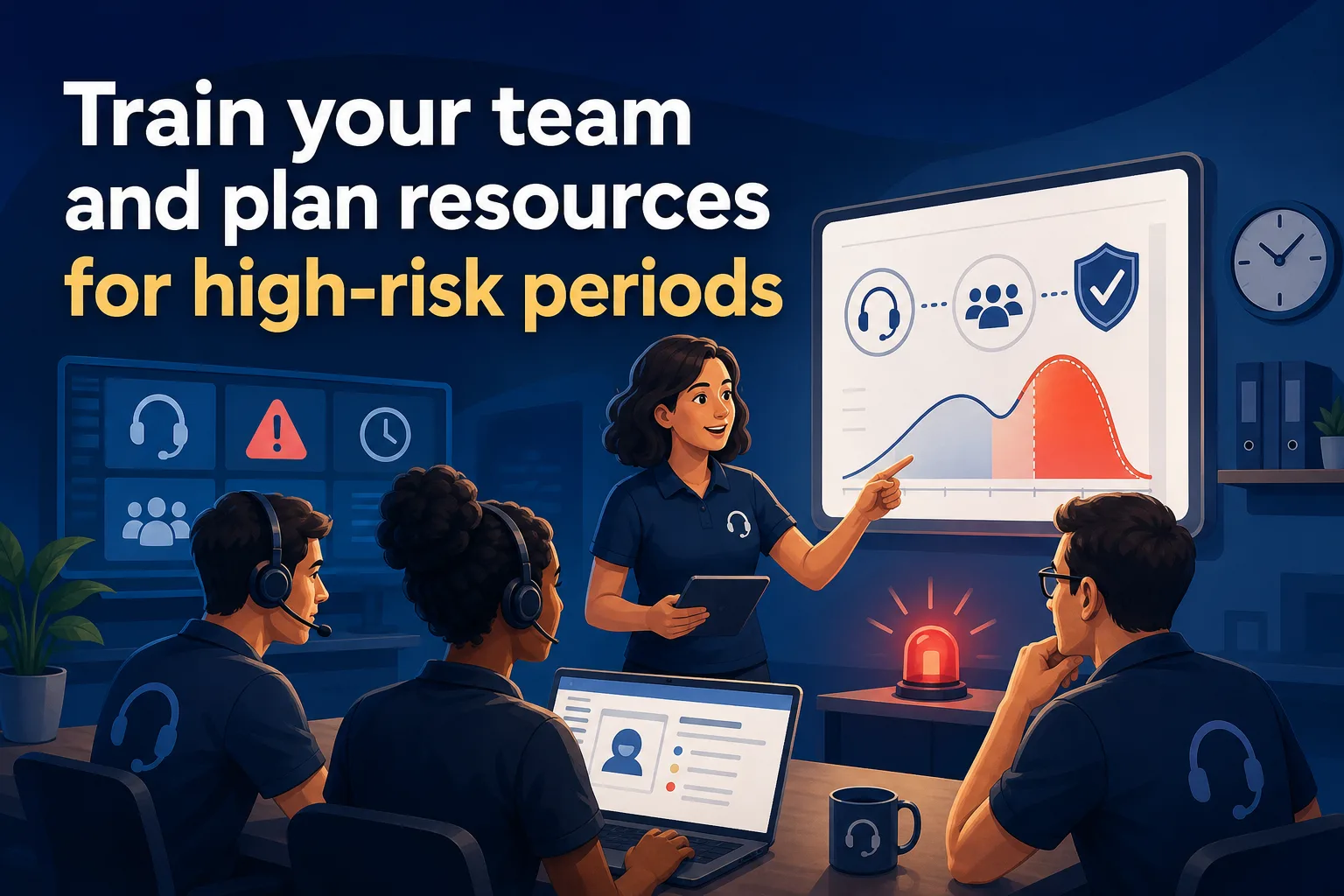
No system or automation will save you if your staff doesn’t understand SLA rules or how to recognize tickets at risk of breaching. Training is the often-overlooked lever that turns policy into practice. It starts with the basics: every agent and technician should know the key SLA metrics, how the clock is measured, and when to escalate a ticket. Regular workshops or refreshers—especially after major process changes—help keep this knowledge fresh and actionable.
But knowledge alone isn’t enough. You also need to plan for the real-world spikes that strain capacity. Product launches, end-of-month closings, and seasonal surges are all predictable stress points. The best teams plan their staffing schedules around these peaks, adding extra hands or pre-assigning experienced agents to cover the most critical tickets.
One managed support team put these principles into action. By implementing real-time breach alerts, training staff on escalation rules, and boosting headcount during anticipated busy periods, they cut their SLA breach rate significantly. The impact went beyond numbers: urgent issues were handled faster, customer satisfaction scores improved, and agents felt more in control during crunch times.
Resource planning should extend past the obvious. Look for less visible bottlenecks—like a single technical expert becoming a choke point or delays caused by handoffs between teams. Cross-training staff or creating easily accessible escalation paths can help absorb shocks when demand spikes or key personnel are unavailable.
The lesson is clear: consistent SLA compliance is as much about people as it is about process or technology. Empower your team, plan for the crunch, and make training an ongoing priority.
Making SLA compliance sustainable
Reaching and sustaining high SLA compliance isn’t about chasing a magic number—it’s about building a resilient system where process, technology, and people reinforce each other. When clear SLA definitions set the target, automated routing and prioritization prevent delays, real-time dashboards catch issues before they escalate, and well-trained teams are ready for high-risk periods, compliance becomes a natural outcome.
A real-world case helps illustrate what’s possible. A cloud support team struggled with recurring SLA misses during major software rollouts. By redesigning their SLAs based on what their current support staff could reasonably handle, deploying dashboards for real-time monitoring, and refreshing staff training to focus on early escalation, they transformed their operation. Instead of daily firefighting, they achieved consistent, predictable delivery—even as ticket volumes climbed and priorities shifted.
For any manager or team lead looking to boost their own SLA performance, the best starting point is a candid review of where delays and missed targets occur. Map your workflow, identify bottlenecks, and use live dashboards to track progress. Equip your staff with the knowledge and resources to act before deadlines are missed. As you refine your system, compliance rates climb, customer relationships improve, and your team gets a little breathing room—even on the busiest days.