How to Build an SLA for Cloud Support: Structure, Metrics, and Best Practices
Learn how to build an SLA for cloud support with clear metrics, realistic uptime, strong data rights, and an adaptive review process for lasting reliability.
It often starts with that sinking feeling. Maybe you’re the one who gets the 2 a.m. alert about a cloud service outage, or you’re the manager fielding emails from the executive team about a critical ticket that’s stuck in limbo. Cloud support quietly keeps your digital business moving—until something breaks and you realize there’s no clear agreement on how fast help should arrive or who owns which problem. Without a solid SLA in place, your cloud investment is always at the mercy of the next support crisis.
On paper, a cloud support SLA looks a lot like any other service contract. It lists commitments, defines expectations, and sets accountability between you and your provider. But in cloud environments, everything moves faster and is more intertwined. Services are abstracted, shared, and updated constantly. If your SLA is vague or generic, you’ll feel the pain the moment you need specific help.
Microsoft describes a cloud support SLA as a contract spelling out what support you get, how fast you’ll get it, what counts as a fix, and how performance gets measured. Unlike traditional IT SLAs, cloud agreements have to address rapid scaling, multi-tenant setups, and shared responsibilities—sometimes even down to who’s on the hook for a failed deployment or a permissions error. The best SLAs get detailed about metrics, each party’s role, and what happens if something goes sideways.
Take a typical IT support agreement: in the cloud, there’s no on-site—everything’s remote. So your SLA needs to define the support channels, escalation timelines, and service levels that make sense when a single incident could affect thousands of users at once.
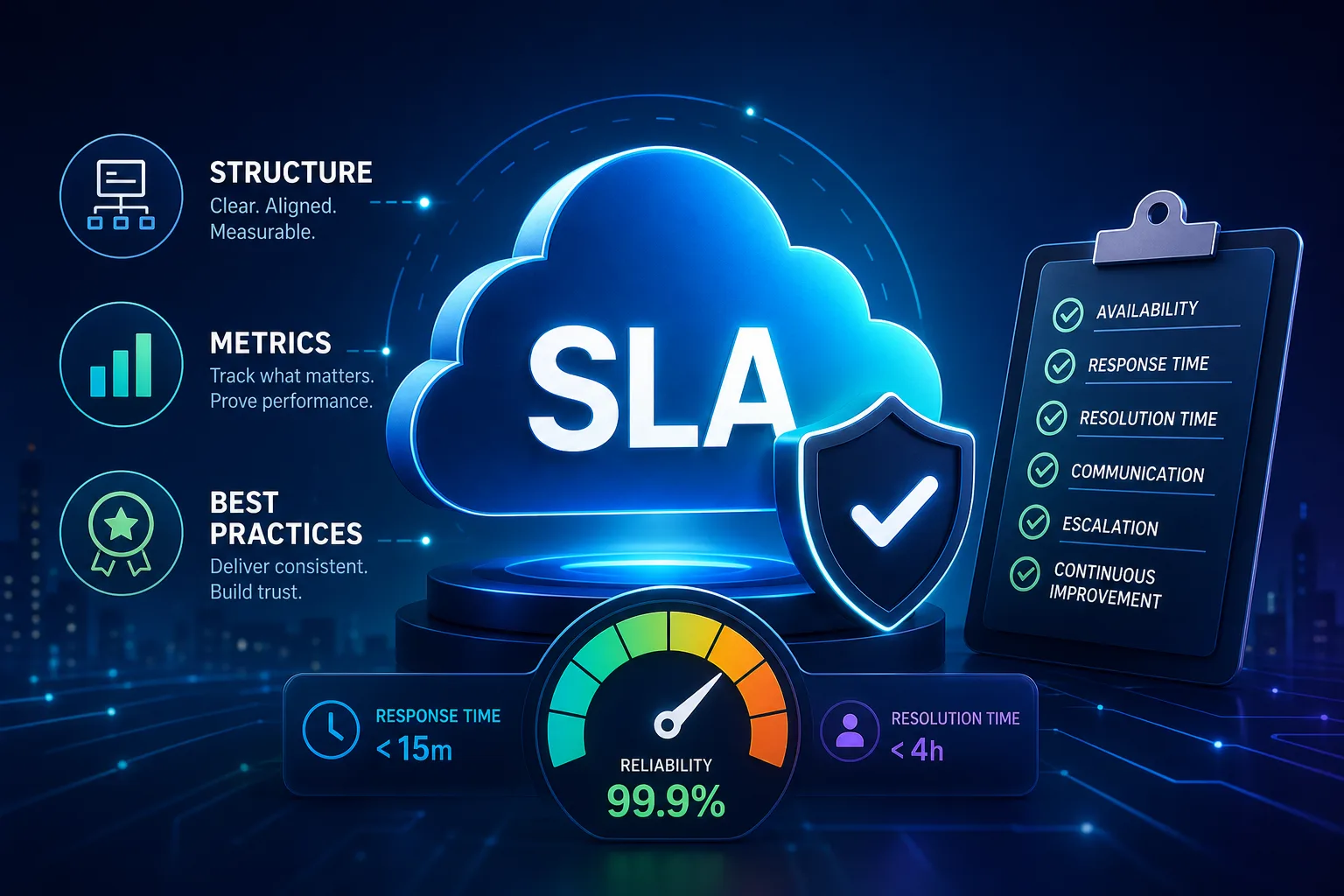
A solid SLA isn’t just a list of promises. Splunk recommends a five-part structure: cover page, informative section, service scope, performance, and duties and responsibilities. Each part fills a real need, helping turn business risks into concrete, enforceable terms.
Start with the basics: the cover page should name the parties, list which services are covered, and set the dates the SLA applies. The informative section gives context—definitions of important terms, notes on any relevant standards, or a summary of shared goals. This upfront clarity helps prevent disputes later.
The service scope is where you get down to specifics. Spell out which services are covered, the hours support is available, and which channels you can use to reach support (like phone, portal, or chat). Tie support activities to expectations: does “critical” mean 24/7 coverage, or are some systems only supported during business hours?
Performance is where the rubber meets the road. Here, define the metrics that matter—response time, resolution time, error rates, latency. Splunk suggests using a dashboard so both sides see real-time numbers, not just monthly reports.
Duties and responsibilities lay out who does what. In cloud support, this often means clarifying what your team must provide (like access or logs), how escalation works, and what happens if targets are missed. Make sure remedies like service credits are spelled out so there’s no confusion if a problem drags on.
Setting targets for response and resolution by incident priority
Not all support cases carry the same weight. That’s why leading cloud SLAs break incidents into severity levels—usually labeled P1 through P4, each with different response and fix times.
P1 covers outages or issues that halt critical operations. These need the fastest action and tightest resolution timelines. By the time you get to P4, you’re probably dealing with minor bugs or documentation requests, which can take longer to resolve. Make sure both sides agree on what qualifies as each tier—your idea of a P1 might be a P2 for the provider.
It’s also smart to match support channels to incident priority. For P1, you might require a direct phone line or live chat, while P4 issues could be handled by email. The SLA should make it clear what “response” means (someone acknowledges your ticket) versus “resolution” (the actual fix is delivered), so no one is left guessing.
Cloud SLAs need to clarify whether the clock runs 24/7 or pauses outside business hours, and when it’s your turn to act (like providing logs), the timeline should pause. Spell out these rules so you don’t get stuck arguing about timing during a real incident.
How to set uptime and availability that reflect reality
A common pitfall when you build an SLA for cloud support is asking for “five nines” or 100% uptime. Even big players like Splunk warn that 100% is a fantasy, especially with scheduled maintenance, patches, and the unpredictability of the internet.
Instead, look at your provider’s actual uptime records and set a target that’s ambitious but realistic. The SLA should spell out what counts as downtime, what’s excluded (like maintenance windows or customer-side problems), and how issues are logged and reported.
Build your SLA around your provider’s historical uptime, but leave room to adjust as your needs or workloads change. Make sure escalation rules are clear—if your uptime drops below the agreed threshold, what credits or remedies kick in?
Be explicit about how availability is measured. List the calculation, the proof required (logs, incident reports), and the steps for disputing or confirming an outage. This keeps both sides on the same page if there’s ever a disagreement about downtime.
Data rights and your ability to exit cleanly

Cloud support isn’t only about fixing outages—it’s also about keeping control of your data and making sure you can walk away if needed. Microsoft points out that every SLA should confirm your ownership of all data stored in the provider’s environment and your right to retrieve it if the relationship ends.
Spell out, in clear language, your right to export configurations, logs, and backups at any point or after termination. Define the format for exported data and the timeframe for delivery. If you skip this, you risk losing access to key business info when you switch vendors or close a project.
Don’t forget about backups and disaster recovery. Set expectations for how often backups happen, how long they’re kept, and who restores data after an incident. If the provider handles disaster recovery, clarify your right to audit or check their compliance—so you’re not left blind in a crisis.
Finally, document what happens to your data after you leave. Specify timelines and methods for secure deletion, so you know nothing gets left behind on someone else’s servers.
Keeping your SLA useful as your needs change
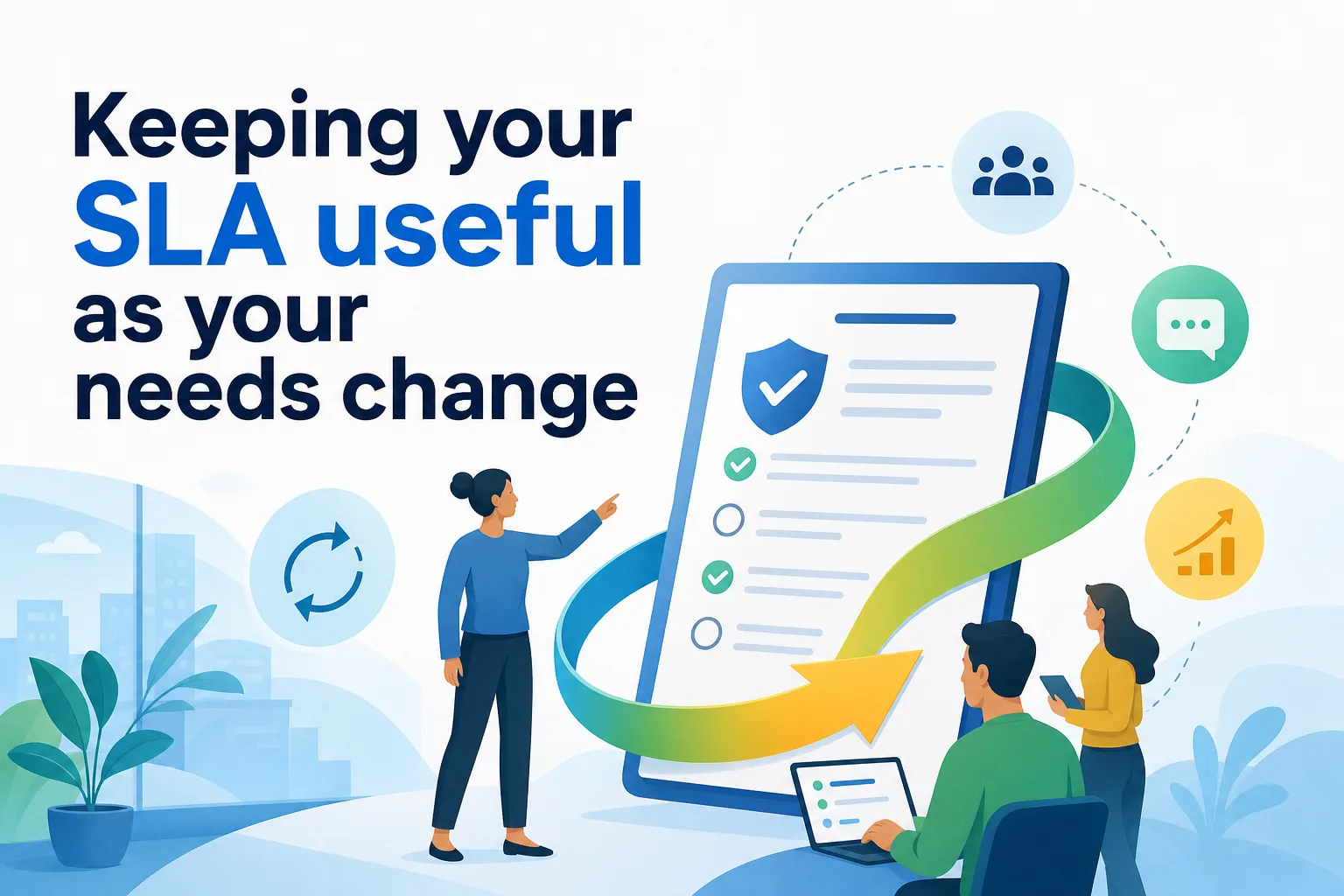
The biggest mistake with support SLAs is treating them like static documents. Needs shift, so your agreement should, too. Atlassian suggests starting with baseline data from actual support performance, then gathering feedback from users and stakeholders to see where things work and where they don’t.
Update your SLA based on what you learn. Maybe you need to change support coverage, clarify what “resolved” means, or adjust escalation rules. Once you draft new terms, get sign-off from both IT and business leaders. This keeps the SLA grounded in day-to-day operations, not just theory.
It’s best to review the SLA regularly and after significant incidents. Use the numbers from your dashboard—like error rates, response times, and user satisfaction—to decide if your targets are being met or need to shift.
If your provider falls short, use the remedies you’ve included, such as service credits or escalation. If your needs change, don’t hesitate to renegotiate. An SLA is only effective if it matches your current reality.
A practical checklist for reviewing your SLA
Before you sign any cloud support SLA, work through a checklist: Is the scope detailed? Are uptime and support targets clear? Does it include exclusions, data export rights, and measurable KPIs? Have you spelled out the difference between SLA, SLO, and KPI? Is there a way to track performance and update the agreement as things change?
Get everyone involved—IT, legal, business leads, and even end users. Read the SLA together, press for specifics where language is fuzzy, and make sure each group knows its responsibilities for both support and escalation.
Once you have the agreement in place, keep it active. Schedule reviews, monitor the chosen metrics, and keep lines of communication open with your provider. The strongest SLAs aren’t just about legal coverage—they build a partnership that lets your cloud services deliver the reliability and flexibility your business depends on.