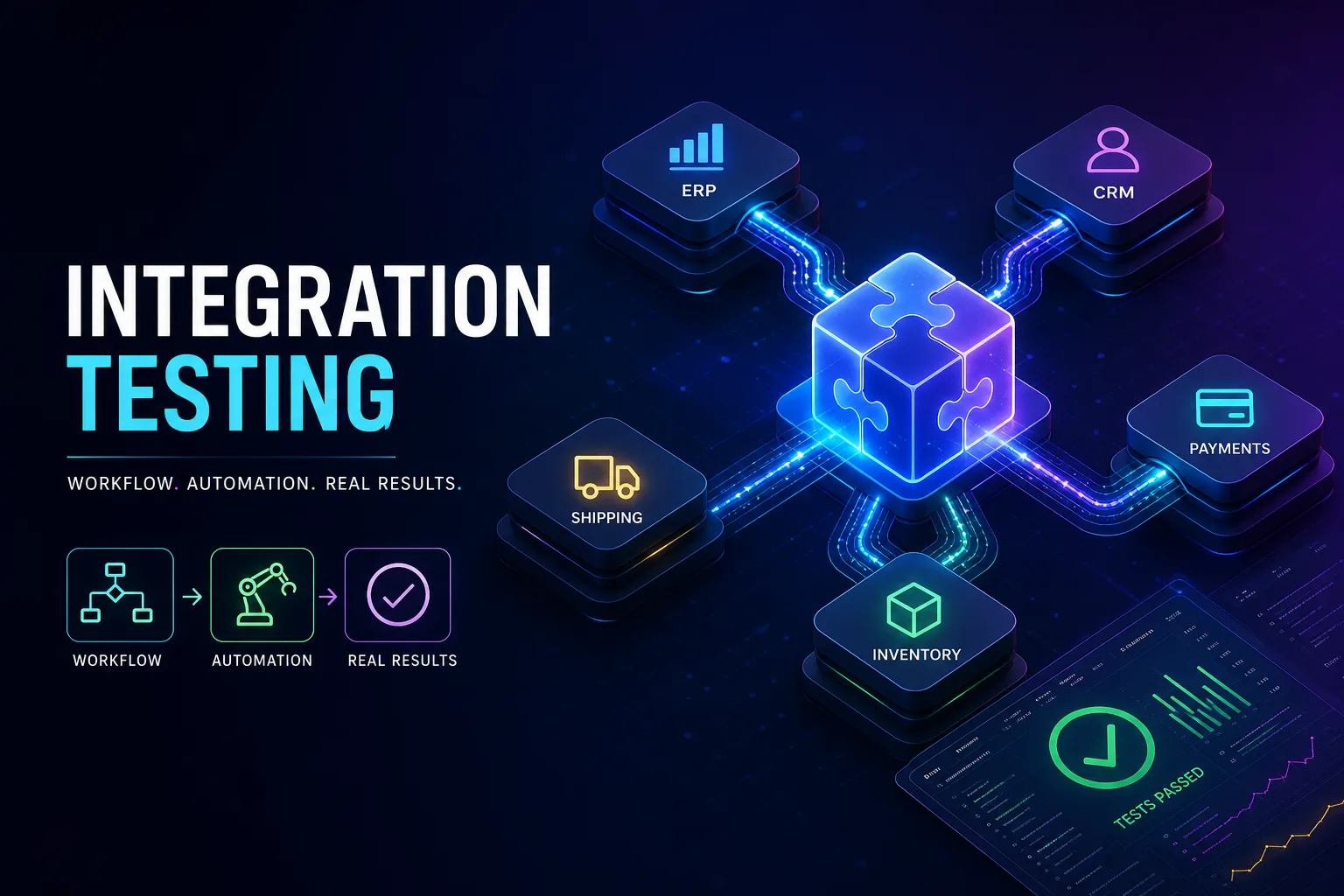
How to Handle Integration Testing for Enterprise Systems: Workflow, Automation & Real-World Examples
Learn step-by-step integration testing for enterprise systems: workflow, automation, ERP-CRM examples, and best practices for stable releases in 2026.
How to Handle Integration Testing for Enterprise Systems
You know the feeling: your team has spent months piecing together an ERP, CRM, and a jumble of third-party services. The code flies through unit tests, but when you try syncing a new customer order, the CRM drops it or the ERP triggers the wrong API. All the while, leaders expect data to move smoothly between systems and downtime to vanish. If you've ever burned a weekend chasing an integration bug that only shows up in production, you realize this isn't just about checking a box. Integration testing for enterprise systems is what separates a project that works everywhere from one that only works on a developer’s laptop.
The worst problems in big software projects usually show up because integration testing comes too late. If teams wait until features stack up before checking how systems work together, bugs can multiply and spread. Fixing just one integration defect near the end often means unraveling half the build, and nobody wants to watch their timeline double.
Getting integration testing enterprise systems started early stops issues from snowballing. When teams test as soon as new modules or APIs are added, problems get caught before they can infect everything else. If you add a new payment gateway and test it right away, you’ll spot contract mismatches or authentication errors before they threaten a release.
Testing early also builds trust within teams. When integration tests run after each major code merge, everyone finds out immediately if a change breaks something. Having that instant feedback lets developers and QA make decisions faster and keeps the project moving.
Incremental Integration Keeps Complexity Under Control
Trying to connect every part of an enterprise system at once is a recipe for hidden bugs and wild goose chases when things fail. It’s a lot easier to add and test modules in small, manageable batches.
Picture rolling out a new inventory microservice that needs to link with your ERP and logistics platform. Instead of wiring up everything at once, start by connecting the ERP and inventory. Once that’s stable, add the logistics piece and test again. By isolating each stage, you know exactly where problems start and can focus your debugging.
This approach is essential for systems with dozens of interconnected services. Tackling one interface or workflow at a time makes it much easier to spot a data mapping error or a timeout, instead of sorting through endless logs. Incremental integration lowers the stress and helps you keep to your release schedule.
Building Realistic Test Environments with Containers and Production-Like Data
A classic frustration: “It worked in staging, but fell apart in production.” The culprit is usually a testing environment that doesn’t match reality. Real production systems have unique database schemas, authentication setups, and external APIs that test environments often skip.
The fix is to use containers like Docker to replicate production as closely as you can. With containers, you control every dependency—the database engine, API endpoints, middleware versions—all locked in and easy to spin up for each test run.
But the environment is only half the story. Using tiny, fake datasets in tests can hide bugs that only show up with real-world data sizes. Manage test data so that your integration runs with customer-like records and transaction volumes. Reset everything before each test cycle so nothing gets contaminated between runs.
Target and Automate the Most Critical Integration Points

Enterprise systems can have a web of integration points, but not all of them carry the same risk. If order processing or customer onboarding fails, business stops. If a minor notification doesn’t sync, the damage is limited to a few support calls.
Start by focusing your tests on the high-impact integrations. Find which modules would cause the most business pain if they broke, then build test cases for common, edge, and error scenarios. For example, if your ERP’s order creation has to stay in sync with the CRM, test instant syncs, slow responses, and data mismatches.
Once you’ve covered these scenarios, bring in automation. Use tools such as Selenium for UI-level flows, Postman for API checks, and JUnit for backend logic. This way, you can rerun your test suite with every code change. Automating high-impact scenarios means things like nightly data syncs or batch imports get checked every time, not just when someone remembers.
Make Use of Mocks and Stubs to Stabilize Integration Tests
Nothing throws off integration testing like unreliable third-party services. If your tests depend on a payment gateway that’s offline, or a shipping API that suddenly throttles, you'll get failures that have nothing to do with your code.
The answer is to use mocks and stubs for all external connections during integration testing. A mock payment gateway lets you test success, rejected payments, and timeouts, so you can see how your system handles each case. These stand-ins make integration tests repeatable and dependable, even when real services are down or unpredictable.
Mocks also open the door to simulating rare edge cases that are nearly impossible with live services, like random network outages or weird third-party errors. With outside dependencies isolated, your team can zero in on the integration logic without fighting unrelated outages.
Embedding Integration Tests into the CI/CD Pipeline
Integration tests are at their most useful when they’re part of everyday development, not something tacked on before launch. Embedding tests into your CI/CD pipeline turns them into an automatic safety net after each merge or build.
Set up your pipeline to run integration suites right after unit tests. If any critical integration scenario fails—say, data stops syncing between ERP and CRM—block the deployment. This keeps broken builds out of staging and production, saving you from hours of rollback or emergency patches.
Teams working with Agile practices often run integration tests at the end of every sprint and after major changes. Continuous integration testing means new features don’t accidentally break old integrations, and the system stays ready for release.
Writing Effective Integration Tests: A Real Enterprise Example
Take a real-world scenario: syncing data between an ERP and a CRM. These systems need to keep customer records and order statuses matched, even under heavy use.
Here’s a practical checklist for writing integration tests in this setup:
Run the integration: trigger an order in the ERP, watch for updates in the CRM, and log every API call.
5. Check each system’s boundaries—make sure the order matches and error handling works when syncs fail.
6. Clean up all test data and any temporary infrastructure before the next run.
Keep an eye on latency and timeouts, especially when testing with multiple orders at once. If you see mismatches or missing records, test the ERP-CRM sync alone, then layer on complexity gradually.
Documenting and Governing the Integration Testing Process
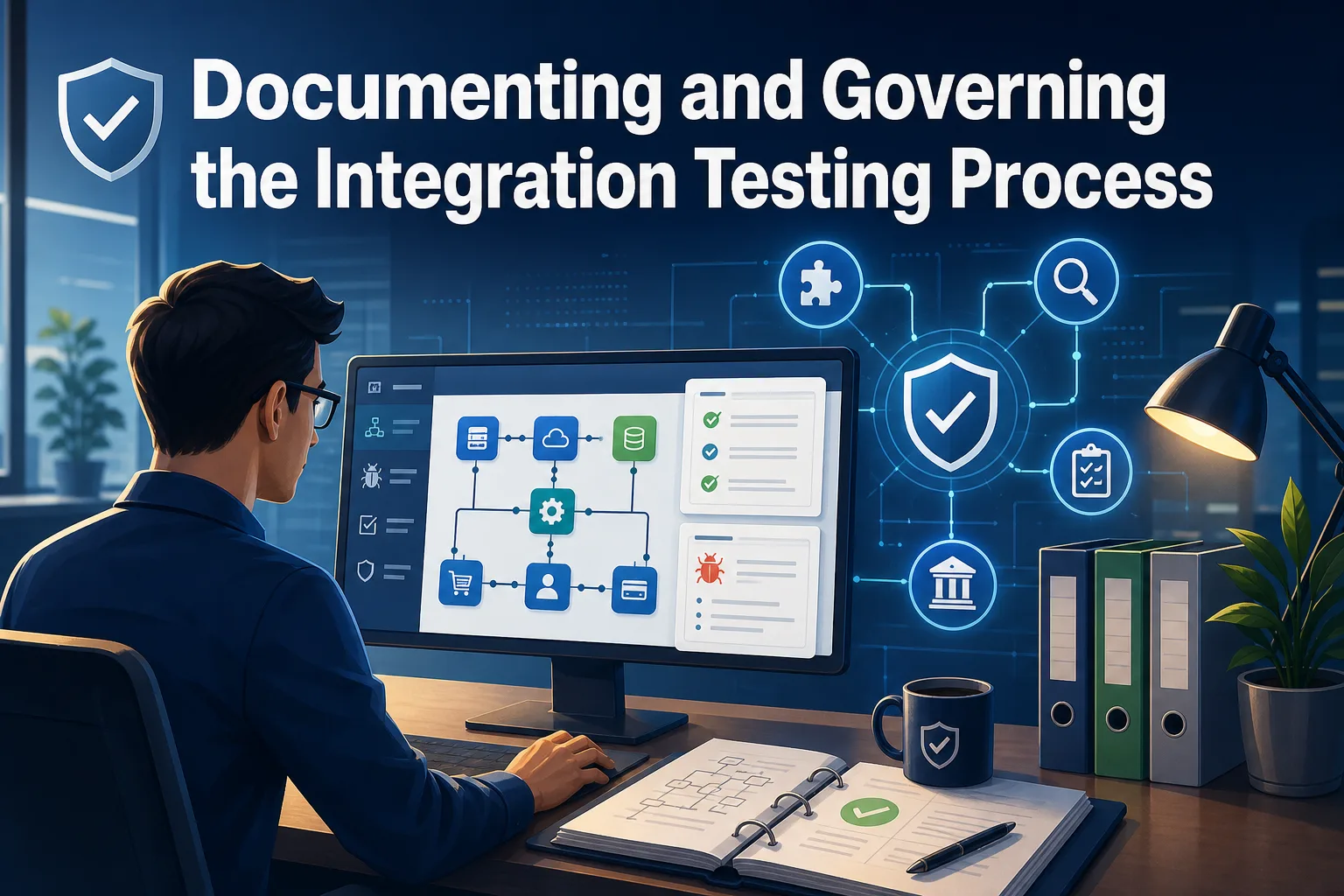
In enterprise settings, integration testing is just as much about a transparent audit trail as it is about finding bugs. Every integration point, test plan, result, and error should be logged and organized.
Keep a living document listing all crucial interfaces and workflows under test. Log any bugs found, with clear steps to reproduce and how they were fixed. After each cycle, store the results for use in future regression testing and compliance checks.
Clear governance matters too—assign owners for each integration, set schedules for running tests, and define how updates are shared. With solid documentation and clear processes, your team can handle audits and bring new testers or developers up to speed quickly.
Making Integration Testing Work for Your Team
No two enterprise teams have the same setup, so tweak these practices to match your tools and business goals. Start with a pilot—maybe automating a core ERP-CRM integration—and see what works best for your team.
Hold daily stand-ups or integration check-ins to share updates, flag environment changes, and resolve issues quickly. Developers, QA, and DevOps need to stay in sync to keep integration testing moving forward.
Treat integration testing as an ongoing habit. Automate wherever possible, document as you go, and learn from each cycle. Soon, you’ll spend less time chasing production bugs and more time delivering releases you can trust.