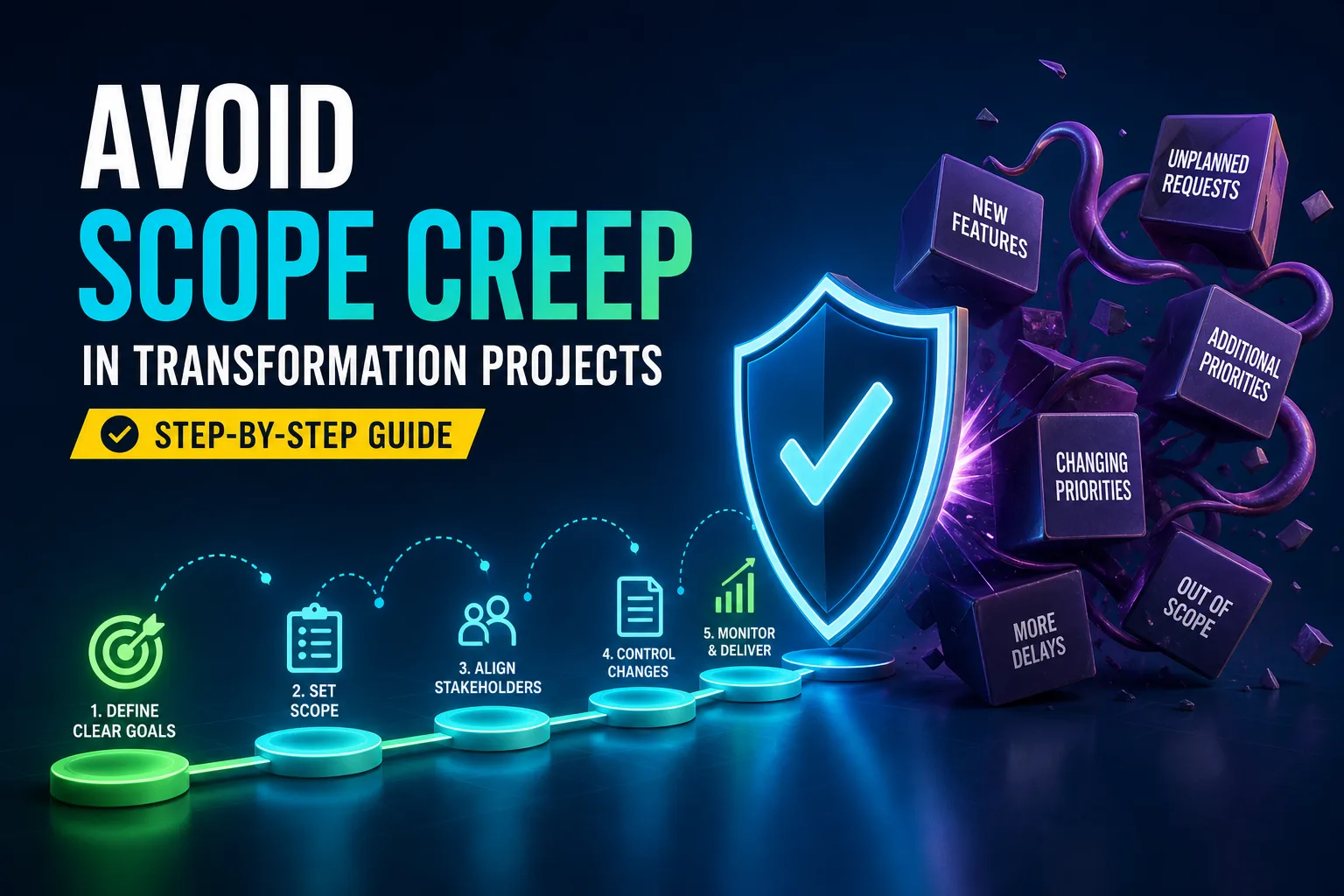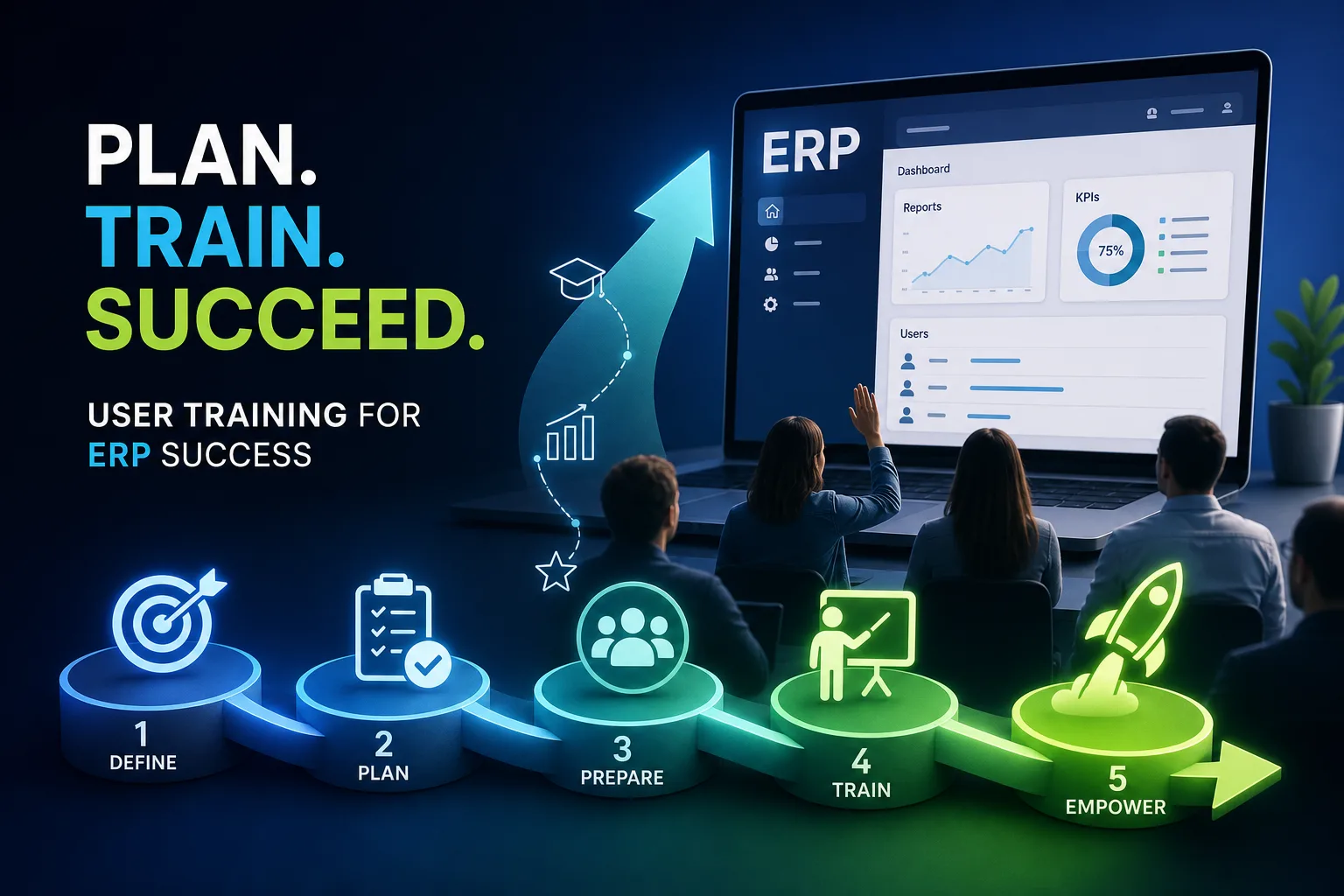
How to Reduce Resistance to New Business Software: A Step-by-Step Guide
Discover proven ways to reduce resistance to new business software. Learn to engage employees, structure training, and support adoption for successful implementation.
As soon as a new software rollout is announced, you can feel the tension rise. People start whispering, “Will this mess up my routine? Am I going to have to learn everything from scratch? Is this just another tool that complicates my job instead of helping?” For managers, the pressure is real. Months or even years went into picking the right solution, but now you’re facing a room full of nervous faces. If you skip over the emotional side and only focus on features, that expensive new platform might just sit unused while everyone reverts to old habits.
Show Real, Tangible Benefits Right Away
Most people don’t care about industry lingo or fancy dashboards. What matters is whether this software actually makes life easier. If your goal is to reduce resistance to new business software, you have to demonstrate what’s in it for them—showing, not just telling.
Skip the generic “It’ll save time!” line. Instead, run a live demo comparing the old way and the new. For instance, show that creating a monthly report now takes three clicks instead of fifteen, or highlight how the new system automatically catches duplicate entries that used to slip through. Always use real company data in your examples, not generic vendor templates.
Bring in staff from different teams, and ask about their biggest daily pain points. Then, demonstrate exactly how the new software tackles those tasks. If your finance group wastes hours reconciling spreadsheets, walk them through the automated reconciliation—with their actual files. The more specific you are about saved time or fewer mistakes, the quicker doubts fade.
Communicate Early—and Don’t Let Up
Dropping news of a new system the week before launch is a surefire way to create confusion and pushback. Start talking about the change months ahead of time. Clearly explain why the change is happening, what issues it solves, and what’s going to look different for each team.
Keep updates regular and brief—maybe a quick team huddle, a short email, or a note in the break room. The main thing is transparency about the schedule, what’s next, and how feedback will be used. If there are delays or hiccups, be honest. People trust leaders who don’t pretend everything is perfect.
As important dates approach, give everyone plenty of notice about training, data migration, and any potential slowdowns. Managers should be visible and easy to reach, ready for questions. Set up a dedicated channel in your company chat for rollout updates and questions. Ongoing updates help calm nerves and show employees that the leadership team is open and involved.
Bring Employees Into the Process

When a new system is forced from the top down, frustration and resistance follow. People don’t want to be told what they have to use; they want to feel included. Get employees involved from the start.
Invite representatives from each department to early workshops. Use these sessions to talk about what’s broken now, what must work in the new system, and what could go wrong. If employees see their feedback reflected—say, a change to a dashboard layout or a feature request—they feel more connected and less skeptical.
Pilot testing is incredibly useful. Pick a small, diverse group to use the new software with real work, then collect their honest feedback. What tripped them up? What actually made things easier? Use their insights to tweak training or support materials. Appoint one or two “champions” from each area to help answer questions and encourage others once the system goes live.
Build Training That Actually Helps
No amount of early communication will matter if people feel lost once the new system is live. Good training is not just a long meeting or a pile of PDFs. It needs to be layered, practical, and tailored to people’s day-to-day work.
Create sessions by role—there’s no need for sales to learn accounting processes. Give employees a chance to practice common tasks in a safe environment, like processing a fake order or running a mock report. Let them make mistakes, ask questions, and build confidence before handling real data.
After the main rollout, offer on-demand learning options—short videos, mini-guides, step-by-step checklists. Set up open office hours where anyone can drop in and get help from an expert. The aim is for everyone to feel comfortable, not just compliant.
Roll Out in Stages, Not All at Once
Launching everything at once might look efficient, but it usually leads to trouble. Break the rollout into smaller phases. Start with one department or a few key features, learn from the experience, then gradually expand.
For example, begin with accounting, gather their feedback, and adjust your approach as needed. Once things run smoothly there, move to sales, then operations. This approach limits disruption and lets you fix issues before they snowball.
Build a feedback loop into each stage—quick surveys, focus groups, or just informal check-ins. Use what you learn to adjust training and support for the next round. Employees notice when their feedback leads to real changes, and anxiety drops for those still waiting their turn.
Offer Support Well Beyond Launch
The real test comes after launch day. Will people stick with the new software, or quietly go back to the old way? Continued support is key to keep adoption strong and stop backsliding. Set up a helpdesk staffed by people who truly understand the system and can answer questions fast.
Maintain an easy-to-search FAQ with solutions to common problems, accessible right in the software if possible. In-app tips—like pop-ups or tooltips—offer instant guidance without breaking the workflow.
Encourage employees to help each other in group chats or forums. Make sure each department has at least one “power user” who gets extra training and can support their peers. This builds community and speeds up problem-solving.
Address Job Security Fears Directly
The worry about losing jobs to automation is real. If you ignore it, rumors grow and trust shrinks. The best way to overcome resistance is to face job security concerns head-on.
Hold open Q&A sessions or town halls where leadership explains the purpose of the new software. For instance, a manager might say, “We’re automating repetitive tasks so you can spend more time on meaningful projects—not to cut jobs.” Spell out exactly which tasks will change and what new opportunities may come up.
Let people ask questions and voice their fears. Acknowledge the anxiety, and back your assurances with real examples showing how roles will shift, not disappear. When these conversations happen openly, trust grows and rumors shrink.
Remove Technical Obstacles Before They Block Progress
Few things frustrate employees more than technical glitches or complicated logins. Before launch, run a full systems check. Make sure the new tool works smoothly with your existing programs—like email, CRM, or project management.
Automate as much data migration as possible to reduce errors. Set up single sign-on so people aren’t scrambling for passwords or getting locked out. Test the new system on different devices and browsers, and plan for any old tools that might need special attention.
It helps to create simple workflow diagrams that compare old and new processes. Assign someone in each department to own the migration and flag issues early. This kind of preparation keeps the rollout from getting derailed by tech troubles.
Celebrate Progress and Reinforce New Habits

Getting everyone comfortable with a new tool takes time. Keep momentum up by setting weekly tasks in the new system—maybe entering a client record, generating a standard report, or completing a workflow. Track who completes them and give public recognition for those who master new skills.
Celebrate small wins: a mention in a meeting, a digital badge, or a friendly leaderboard can make a big difference. These moments help make the new way of working feel normal and motivate those who are still hesitant.
As teams get more comfortable, introduce advanced tips or challenges. If someone finds a shortcut, share it with everyone. Recognition and ongoing encouragement help turn reluctant users into champions.
What Success Really Looks Like After Go-Live
Success isn’t about the number of logins or how many people sat through training. The real measure is whether work gets easier, faster, or less prone to mistakes. After rollout, track productivity—are reports faster, errors fewer, customer response times better?
Check in with department leads to spot any sticking points. Use surveys or casual forums to surface new questions and update support materials as needed.
Above all, keep the dialogue going. Monthly calls or web meetings give people a chance to share feedback and suggest improvements. Staying engaged after launch is what makes your investment worthwhile, not just for the first month, but long-term.