How to Plan User Training for a New ERP System: Step-by-Step Guide
Step-by-step guide to plan user training new ERP system: timelines, role-based paths, sandbox practice, blended formats, and ongoing support for real ERP adoption.
Imagine you’re weeks from launching a new ERP system. Your team is excited but also on edge. There’s a flurry of emails about new workflows, and someone just asked if they’ll “break the system” by clicking the wrong button. You want day one to feel orderly, not like a fire drill. The key difference between a chaotic go-live and a smooth start isn’t just the technology—it’s how you plan user training new ERP system so real people can do their jobs confidently from the start.
Start with a Training Needs Analysis Six Weeks Out
Six weeks before go-live, it’s time to get specific about who needs to learn what. This isn't just a checklist—it's the foundation for the whole training program. Start by listing every role that will interact with the ERP, from accounts payable clerks to warehouse pickers and sales managers. For each, dig into their current skill level and the gaps between what they do now and what they’ll need to do in the new system.
A practical way to do this is a quick survey or short interviews with team leads. Ask questions like, “What ERP tasks will be brand new for your team?” and “Which current tasks are changing the most?” Document these findings, and don’t stop at job titles—capture nuances, like which warehouse staff already use mobile apps or which sales reps handle complex orders. This helps avoid generic training that leaves critical gaps.
Early needs analysis also keeps you ahead of last-minute surprises. If you discover that only one person in the finance team knows how to handle vendor returns, you can plan extra support or cross-training before the rush.
Structure Training in Five Clear Phases
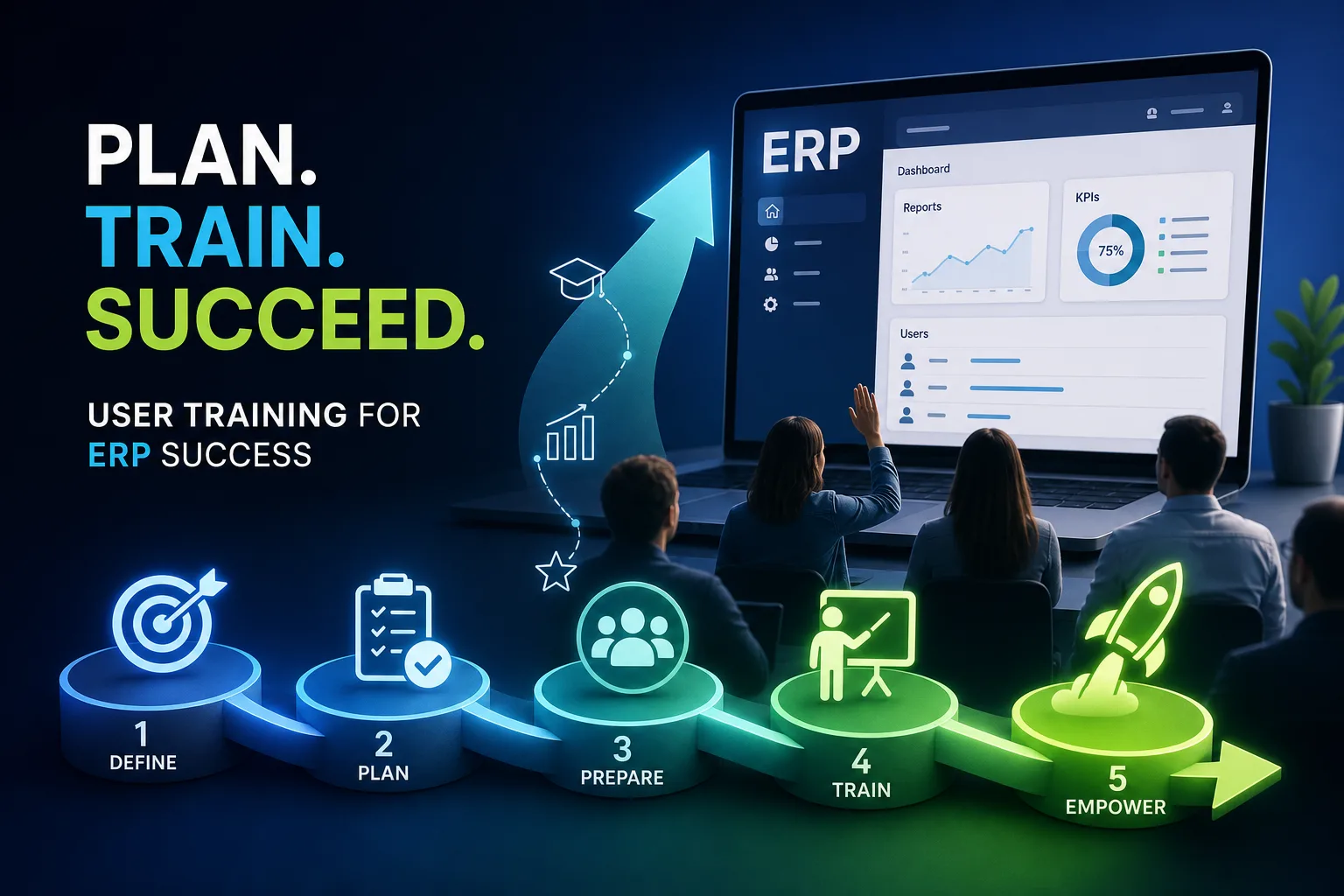
The most effective ERP training plans follow a five-phase structure that mirrors the larger project. The first phase, Discovery, happens before you even start building the system. Here, you take inventory of users, map out roles, and gauge digital competency. It’s less about technology and more about understanding your people.
In the Design phase, which runs alongside ERP configuration, you start building out process-based training content and role-based learning paths. Change communication also begins here—think of it as setting the stage so users know what’s coming and why.
Pre-go-live training is the heavy lifting, typically running from four to six weeks before launch. This is when users get hands-on walkthroughs, simulations, and the chance to run through business scenarios in a safe setting. It’s the moment where theory meets reality.
Go-live support is all about in-the-moment help. This might include in-app guides, a help desk, and activating your super-user network for quick answers. Once the dust settles, Steady-state reinforcement kicks in. Here you maintain an up-to-date guide library, run ongoing training for new hires, and deliver updates when the system changes.
This phased approach keeps training organized and directly tied to ERP milestones instead of overwhelming users with everything at once.
Build Role-Based Training Paths for Real-World Tasks
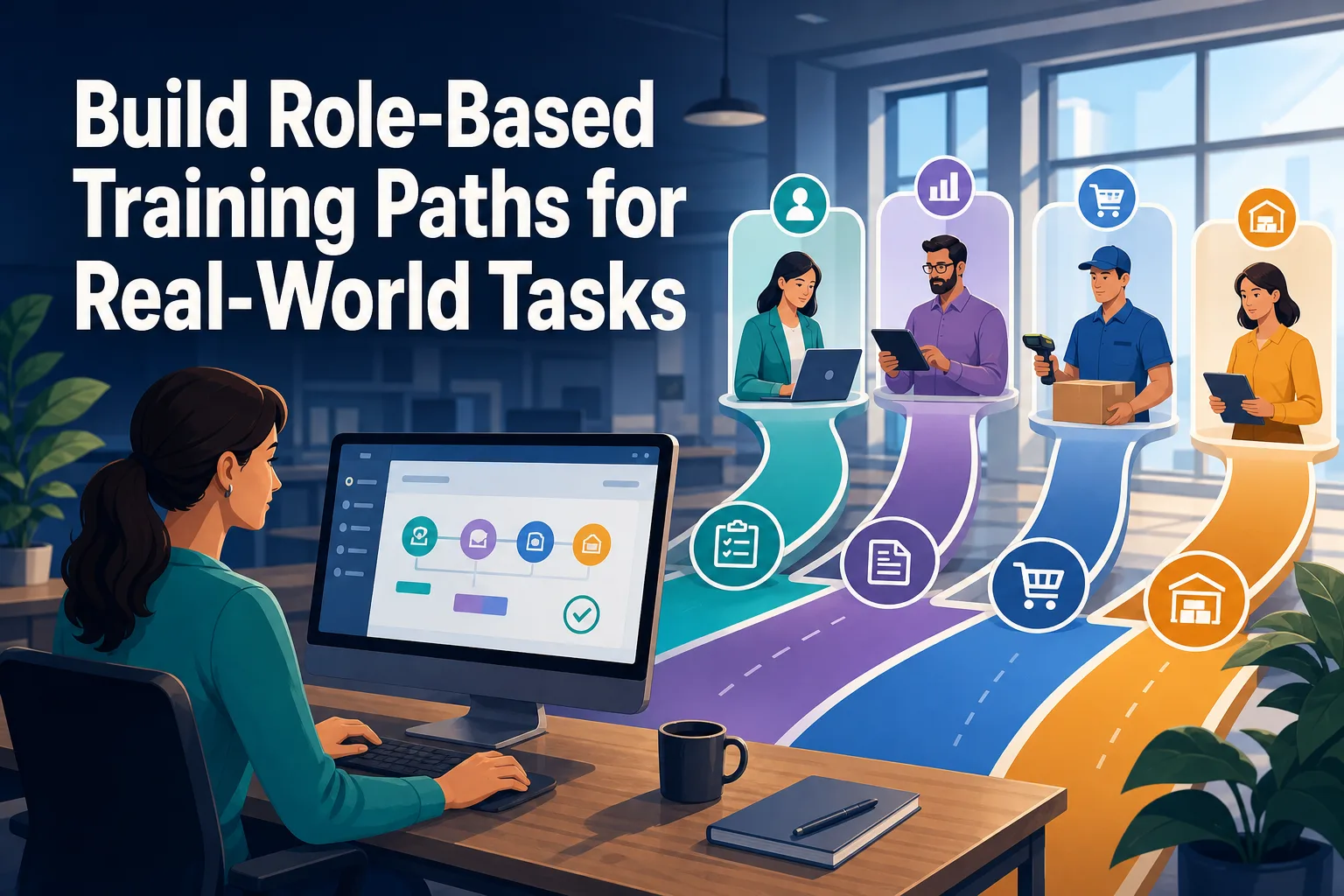
Generic, one-size-fits-all ERP training leaves users lost. Instead, map out training paths that reflect actual business processes by department and job role. Start by identifying the handful of core processes each team handles in the ERP. For example, accounts receivable clerks must master posting payments and generating statements, while inventory managers focus on stock adjustments and transfer orders.
With these processes in hand, connect them to specific ERP workflows and modules. Decide which tasks are absolutely critical for day one—like creating a sales order or approving invoices—and which can be mastered later. This avoids cognitive overload and lets users build confidence with essential tasks before diving into advanced features.
Sample training paths might look like this: sales order entry for the sales team in week one, followed by advanced reporting in month two. For the warehouse, start with receiving and putaway, then add cycle counting after go-live.
It’s also smart to involve “super users” from each department in designing and piloting these paths. These early adopters can help you spot missing steps and later become in-house trainers, spreading expertise and troubleshooting issues as they arise.
Blend Training Formats to Boost Engagement
No single training format works for every person or process, especially in a diverse ERP rollout. The best plans mix methods: instructor-led workshops give space for deep dives and group Q&A, while e-learning modules work well for navigation basics. Micro-videos of two to five minutes are perfect for showing how to complete specific tasks, like running a monthly report or entering a purchase order.
Job aids—quick reference cards or digital guides—offer just-in-time support when users forget a step on the job. Sandbox exercises, where users practice in a safe environment, help reinforce skills by letting people learn through doing, not just watching.
For complex tasks (such as month-end closing), live sessions work best, with time for questions and hands-on walkthroughs. Simpler tasks (like logging in or resetting a password) are often handled by short videos or step-by-step guides. This blended approach keeps training interactive and matches the variety of learning preferences found in any organization.
Matching the training method to both the complexity of the task and the experience level of the user prevents boredom for advanced users and overwhelm for beginners.
Provide Hands-On Practice in a Safe ERP Sandbox
Reading about a new system isn’t enough—users need to try real transactions without fear of breaking anything. That’s where a dedicated ERP sandbox comes in. At least two weeks before go-live, open up access to this practice environment. It should closely mirror your future production system, filled with realistic but anonymized test data.
For example, warehouse staff might practice receiving fake shipments and moving inventory between locations. Finance users can run through posting sample invoices or reconciling accounts. These exercises let users build muscle memory and make mistakes without risk.
This hands-on approach not only builds confidence but also surfaces questions or issues you wouldn’t catch in a classroom. If someone gets stuck trying to process a return, it’s better to catch that now than on day one with a real customer waiting.
Encourage users to repeat key tasks in the sandbox, especially those they’ll do most often. Spaced repetition—practicing the same process several times over a week—helps skills stick when it matters most.
Tailor Content for Different Roles and Skill Levels
Training that ignores real job differences leaves users frustrated. Segment your audience by both department and experience level. For example, finance staff need deep dives into accounts payable and receivable modules, while sales teams focus on order entry, customer management, and reporting. Warehouse teams need practical, step-by-step instructions for inventory movement and stock checks.
Don’t overlook executives and managers. Their training should cover dashboards, analytics, and approval workflows—functions they’ll use to make decisions, not just process transactions.
Experience level matters too. Beginners benefit from basics like navigation and terminology. Intermediate users need more process detail and troubleshooting tips. Advanced users may want to explore custom reports, integrations, or automation features.
Adapt your materials: use your company’s real data and naming conventions in examples. Walk through scenarios that actually happen in your business, like processing a rush order or handling a customer credit. Training that feels “real” is more memorable and relevant.
Reinforce Learning with Post-Go-Live Support

Even with the best preparation, questions and confusion will pop up after go-live. That’s why post-launch support is as important as pre-launch training. Start with a “hypercare” period—a few weeks of intensive support with a help desk, office hours, and super users available to solve problems quickly.
Set up a knowledge base with searchable FAQs, screenshots, and short how-to clips for common issues. Dedicated chat channels or internal forums give users a place to ask questions and share tips with each other. This peer support network keeps expertise inside the company and speeds up problem-solving.
Six months after launch, schedule mandatory refresher training. Focus on common mistakes you’ve observed, reinforce best practices, and introduce any new features or changes. This check-in helps prevent bad habits from taking root and gives users a chance to ask questions they might have been too busy to ask earlier.
Keep an eye on usage data and feedback. If a particular team struggles with a module, offer targeted follow-up workshops or one-on-one coaching. Continuous support keeps adoption high long after the initial project ends.
Making ERP Training Stick Over the Long Run
Sustained adoption doesn’t happen by accident—it takes ongoing effort. After your initial rollout, establish regular “health checks” to review how well users are adopting key processes. Use metrics like error rates, time to complete tasks, and help desk ticket volume to spot trends.
Actively collect user feedback, both formal (surveys) and informal (quick chats, team meetings). Pay attention to which guides or videos get the most use in your knowledge base—that’s a clue about which areas need extra reinforcement or clearer instructions.
Update training content as your ERP system evolves. When new features roll out or processes change, refresh your job aids and run short update sessions. Bring in new hires with a condensed version of your original training, tailored to their roles.
Above all, keep training practical and process-oriented. The test of success isn’t whether users can pass a quiz—it’s whether they can confidently complete tasks that matter to your business. That’s how you move from “system installed” to “system adopted,” and avoid the headaches that come from a poorly trained team.