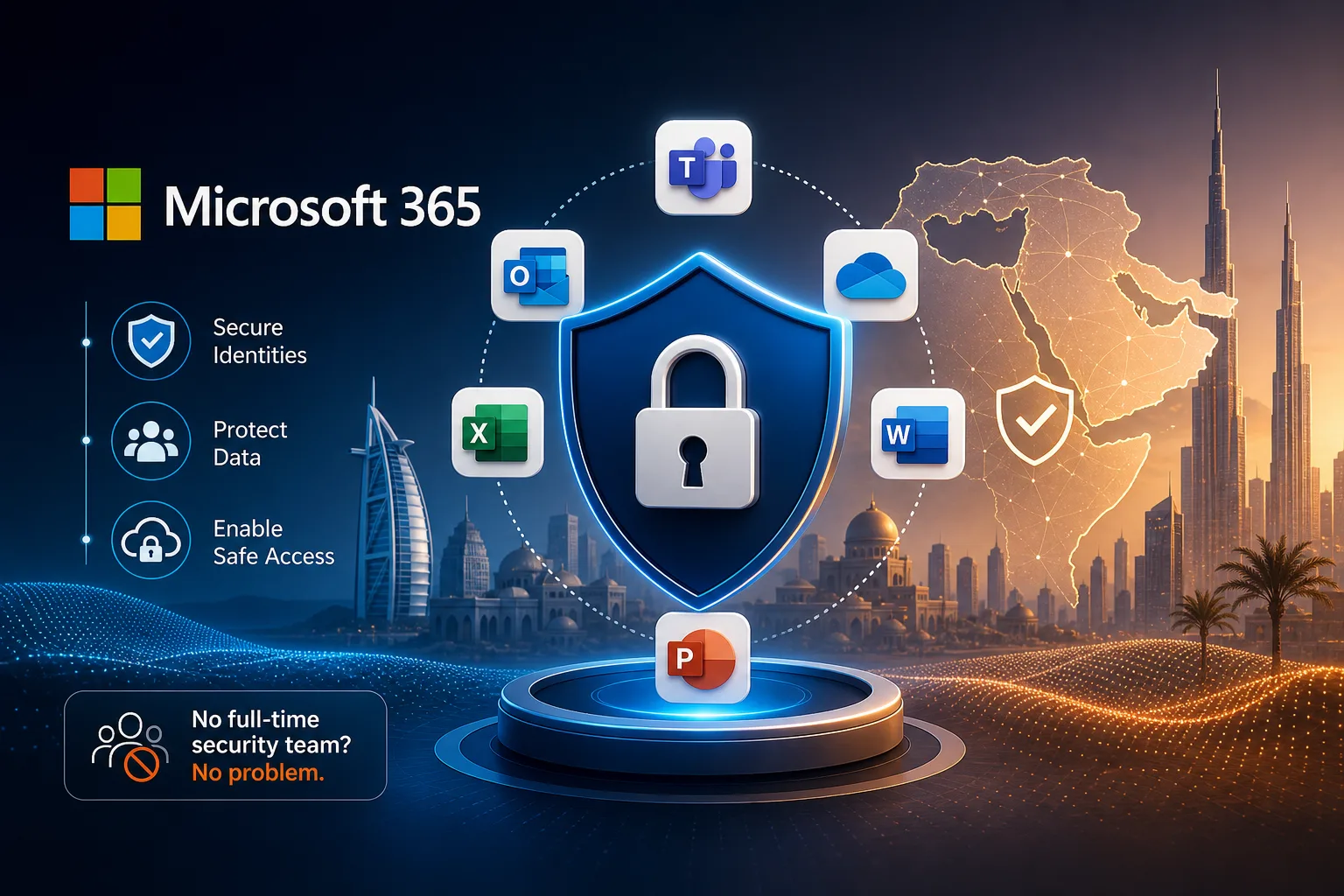
How to secure Microsoft 365 for MEA organizations without a full-time security team
A step-by-step guide to secure Microsoft 365 for African organizations, with practical tips for MEA teams lacking dedicated security staff.
Imagine your team logging in on a Monday morning, ready to help clients from Lagos to Nairobi, and you suddenly spot strange emails in sent folders or see unfamiliar security alerts flashing on dashboards. That sinking feeling hits: your Microsoft 365 setup had a gap, and attackers found it. For a lot of African and MEA organizations, hiring a full-time cybersecurity specialist just isn’t an option. The risk of being targeted, though, is something you can’t ignore.
The upside? You don’t need a big-budget or a squad of experts to keep your business safe. With a few focused actions, even IT generalists can dramatically cut risk and keep daily operations on track.
Make MFA Required for Everyone, No Exceptions
If you can only do one thing to protect your Microsoft 365 environment, set up multi-factor authentication (MFA) for every single user—no exceptions. Microsoft, CISA, and national security agencies all say the same: MFA is the most effective way to stop password theft and block unwanted access. Even if someone’s password leaks, MFA keeps you protected.
The easiest way to roll out MFA is using Microsoft Entra Security Defaults. This feature requires all users to sign up for MFA and verify their login with an extra step, like a mobile app or a security key, every time. SMS is a start, but most up-to-date security guidance suggests using the Microsoft Authenticator app or a physical security key, since SMS messages can be intercepted or faked.
Begin with your admins and anyone who handles sensitive data. Then, make sure every user—including contractors and part-time staff—is covered. In smaller African teams, this rollout can be done in a single afternoon. Use the Microsoft Secure Score dashboard to track who still hasn’t enrolled, and follow up directly. If you’re short on time, dedicate a day to helping users set up their second factor. Having someone available to assist on the spot solves most hiccups quickly.
Use Preset Security Policies for Quick, Effective Protection
Setting up security from scratch can be overwhelming if you’re not an expert. Fortunately, Microsoft 365 offers preset security policies made for organizations without a dedicated security team. These policies activate recommended protections for email, Teams, and files with just a few clicks.
In the Microsoft 365 admin center, go to Security & Compliance and pick preset policies for anti-phishing, anti-malware, and anti-spam. These bundles filter out dangerous emails, block suspicious attachments, and keep harmful links away from your users. You don’t need advanced technical skills to benefit.
Enabling these presets instantly raises your security baseline enough to stop most everyday threats. You can always fine-tune settings later, but for African organizations where IT staff wear many hats, Microsoft’s recommendations save a ton of time. Just make sure to apply policies to everyone—not just management. Even one exposed account is enough to create a problem.
Turn On Audit Logging and Monitor What Matters
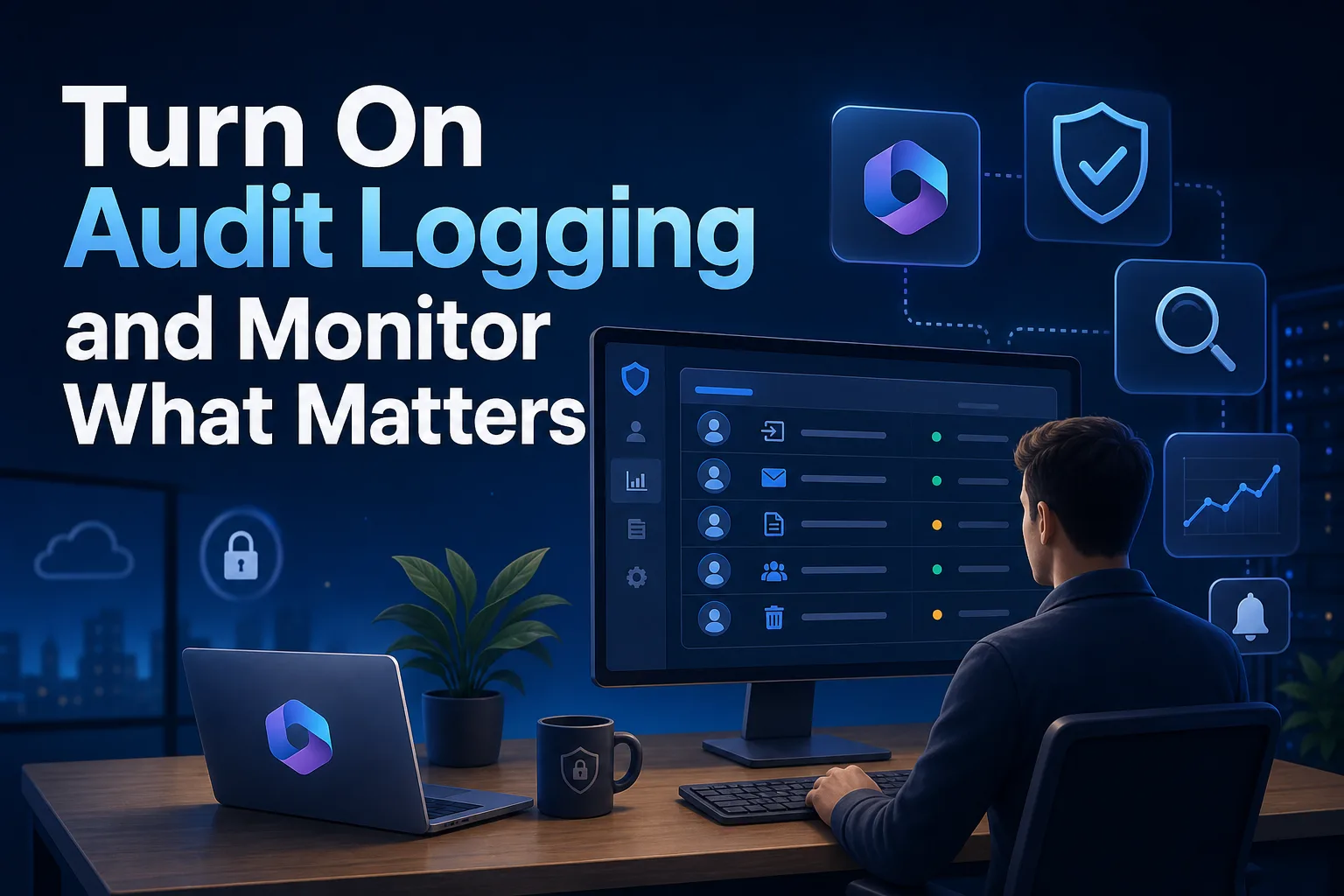
When you have a small team, visibility is everything. Audit logging in Microsoft 365 tracks who does what and when—essential for catching suspicious actions before they spiral. Both CISA and the National Cyber Security Centre Ireland recommend enabling unified audit logging and mailbox auditing as early steps for organizations with limited resources.
To get started, go to the Security & Compliance Center and turn on unified audit logging. This records a broad range of activities, from logins to file shares. Next, enable mailbox auditing for all users, not just those in leadership. This way, you’ll know right away if mailbox rules are sending emails to outside addresses—a common sign of trouble.
Check audit logs and sign-in reports at least weekly. Look for logins from odd locations, admin changes at strange times, or forwarding rules appearing out of nowhere. Even if you aren’t a security professional, Microsoft’s built-in alerts will flag suspicious behavior so you can act quickly. For most African businesses, assigning this check to a reliable IT generalist is enough to catch early warning signs.
Disable Legacy Authentication and Block Automatic Forwarding
Many successful attacks in MEA organizations exploit outdated settings that are easy to overlook. Legacy authentication protocols—like old versions of Outlook, POP, or IMAP—don’t support modern security features such as MFA. Attackers target them precisely because they’re easy to break into. Both CISA and the Irish NCSC recommend disabling these protocols unless you have a very specific need.
Within the Microsoft 365 admin portal, set Conditional Access rules or turn on Security Defaults to block legacy authentication. Turn off POP, IMAP, and SMTP AUTH for all users unless absolutely needed. This simple change closes a major gap.
Automatic email forwarding to outside addresses is another common trick for attackers aiming to siphon off sensitive data. Block this at the company level using the Exchange admin center. Also, add rules that prevent users from accidentally (or intentionally) forwarding mail externally.
If you’re not sure who still relies on older protocols, run a sign-in activity report by protocol. In many African small businesses, just this step reveals forgotten apps or devices that need updating. Once you make the change, let your team know and point them to supported apps so work isn’t disrupted.
Protect Sensitive Data and Reduce Email Threats
Keeping customer data and business secrets safe is essential—especially as phishing and data leaks get more advanced. Microsoft 365 Business Premium and higher plans offer Data Loss Prevention (DLP) tools that automatically spot and block sensitive information—like credit card numbers or national IDs—from leaving your company via email, Teams, or SharePoint.
Start simple: use DLP templates in Microsoft Purview to create policies for the sensitive data you handle. You don’t need to be a compliance expert. Just select the data types that matter for your business and turn on the policy. The system warns or blocks users if they try to share protected data where it shouldn’t go.
Don’t overlook email authentication. Set up SPF, DKIM, and DMARC records for your domains in Exchange Online. These settings verify that emails really come from your business and help block phishing and spoofing attempts. For most African organizations, once you publish and verify these records, you’ll see a real drop in fake emails.
Finally, activate Microsoft Defender for Office 365 features like Safe Links and Safe Attachments. These tools scan incoming emails for malware and rewrite suspicious URLs, protecting users—even if they click on something risky by mistake. For teams without a dedicated security staff, these automated defenses are incredibly valuable.
Use Secure Score to Keep Getting Better
Security is an ongoing job, but you don’t need a specialist to make steady progress. Microsoft Secure Score is a dashboard that measures your current security posture and gives clear, prioritized actions to improve it. Both CISA and CoreView recommend Secure Score for organizations working with limited resources.
Open the Secure Score dashboard from your Microsoft 365 admin center. You’ll see where you stand—like how many users have MFA, what legacy protocols are still active, and how your policy coverage looks—plus specific suggestions for what to do next. Each action links right to the setting, so you can tackle improvements in minutes.
Use Secure Score to spot which users haven’t set up MFA, where outdated protocols are still enabled, and what quick wins are available. Most improvements are doable by any IT generalist with admin access. Over time, tracking your progress here makes it easy to show your leadership that you’re not guessing—you’re making real progress.
Keeping Security Consistent in Lean Teams
Securing Microsoft 365 in the MEA region doesn’t take a big budget or a full-time security office. The bigger challenge is staying consistent as staff come and go or priorities shift. Even in small African organizations, assigning someone to check the basics every week or month keeps things running smoothly.
Set up a straightforward routine: confirm MFA enrollment, review audit logs, check Secure Score, and watch for alerts in the admin center. If one person can’t handle it alone, rotate the responsibility among IT staff or trusted employees. Keep a shared doc or team chat updated with changes and decisions, so no knowledge is lost if someone leaves.
The real shift is in mindset. Instead of chasing every new security trend, focus on proven controls—MFA, preset policies, audit logging, email authentication, and automated threat protection. South African SMBs using this approach show that sticking with what works is the best way to secure Microsoft 365 for African organizations without a security team. When you’ve got these basics locked in, Monday mornings start to feel a lot less stressful.