5 ERP Rollout Mistakes You Can Spot Early (and How to Avoid Them)
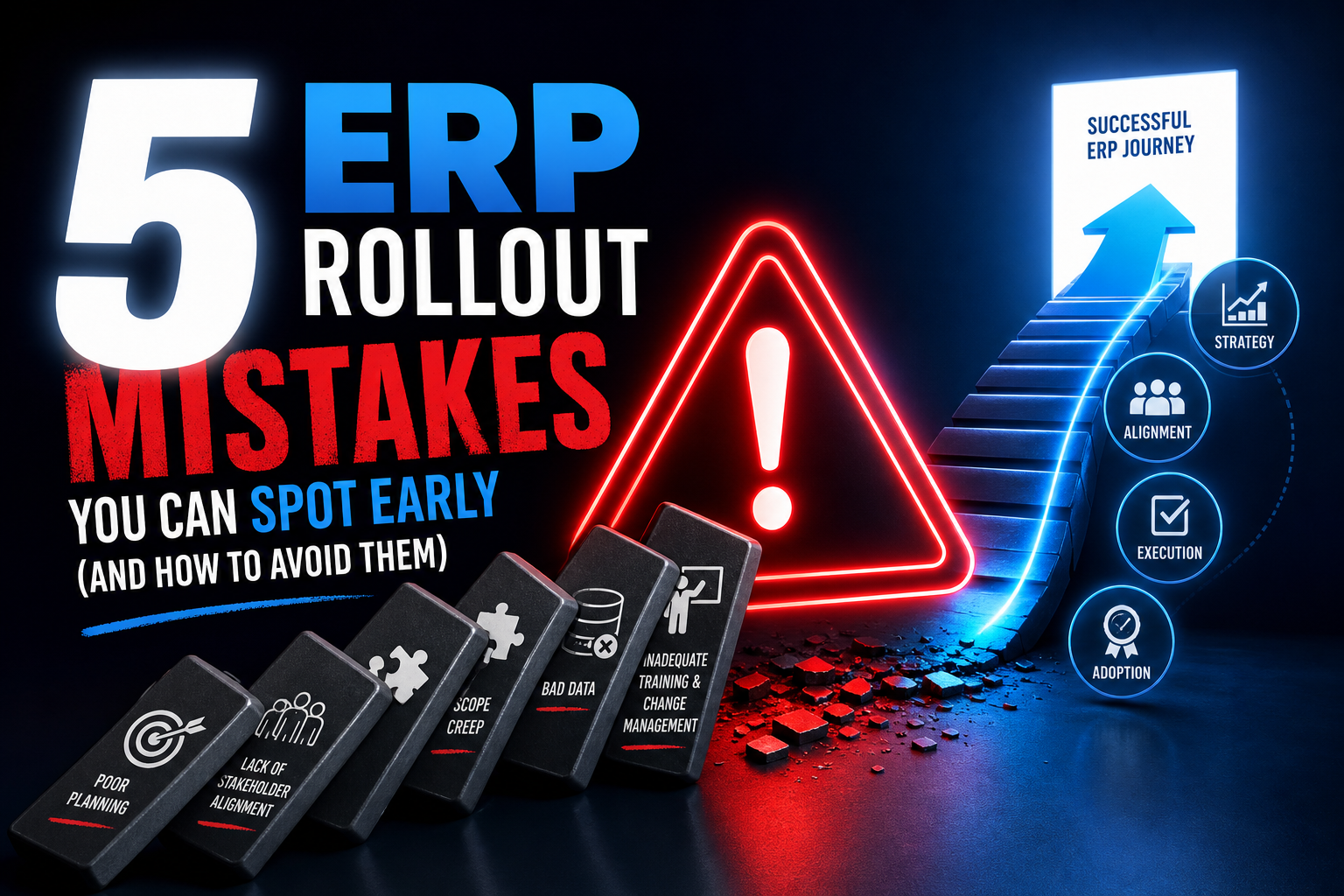
The moment a company decides to swap out or upgrade its management system is always a mix of hope and nerves. For some, it finally feels like the end of endless spreadsheets and manual workarounds that have held growth hostage for years. Others can’t shake the worry of déjà vu: systems freezing on launch day, teams scrambling with mismatched data, whole operations stalled for weeks. Anyone who’s lived through an ERP rollout mistake knows the biggest dangers rarely show up in the tech itself or even the vendor. They hide in rushed decisions, missed conversations, and little details that seem harmless—until they snowball. Seeing how these issues start, and especially knowing how to spot them in time, can turn the whole project into a real win instead of another cautionary tale passed around the office.
Rushing the Rollout: The Dangers of Unrealistic Timelines
Pressure to go live fast can turn a promising ERP project into a mad dash full of shortcuts. Executives want results yesterday, users expect instant improvements, and IT is caught in the crossfire. The problem is, tight deadlines almost always force teams to skip crucial steps, which multiplies the risks.
I’ve seen plenty of cases where process mapping was rushed, with not every department brought to the table, or the testing phase gets trimmed to a token checklist. In one chemical industry rollout, the team tried to squeeze validation into a packed schedule. They only realized key integrations were broken once the entire operation was already running on the new ERP. Production orders got delayed, customers complained, and the cost of rework went through the roof.
A realistic timeline has to account for more than just the technical setup. You need time to review processes, coordinate with suppliers, and train users. Building in time for testing and tweaks isn’t just about meeting a deadline—it’s about making sure the system actually works when launched. Whenever someone suggests shaving weeks off the schedule, the real question should be: “What won’t get tested if we cut this?” It’s usually better to take a little longer than risk bringing the company to a halt or undermining trust in the new system.
Trying to “make up for lost time” after go-live rarely pays off. Fixing issues after a rushed rollout is often much harder and more expensive than addressing them before launch. Hitachi Vantara points out that speeding through testing or training usually leads to long-term headaches, with unhappy users and a system that never quite stabilizes.
The key isn’t promising heroic deadlines, but building a transparent plan that lets you spot risks early and make decisions with a clear head. ERP projects are rarely linear. Surprises will happen. What sets a good rollout apart is leaving enough room to adjust course along the way without sacrificing quality.
Lack of Executive Engagement: Why ERP Needs Leadership Involvement
One of the most frequent mistakes is treating an ERP rollout as just “an IT thing.” When leadership doesn’t get involved, the lack of buy-in trickles down through the organization—and your odds of success drop fast. The project loses priority, gets underfunded, and critical decisions get made without input from the business side.
Take a global distribution company I worked with. IT was tasked with choosing the system, defining requirements, and leading the whole implementation. Operations and finance were only brought in after the platform was picked. Unsurprisingly, users quickly realized the new system didn’t fit their daily reality: essential fields were missing, reports didn’t line up, and key processes weren’t supported. User buy-in turned into pushback, and the blame landed squarely on “the new system that doesn’t work.”
The difference comes when executives are hands-on. When the CEO or directors attend key meetings, highlight the strategic importance of the project, and unblock tough decisions or funding, teams take notice. Visible sponsorship matters when priorities clash, budgets get tight, or departments disagree.
To make this work, I always recommend setting up formal governance: a seasoned project leader, a cross-functional steering committee with reps from every impacted area, and clear checkpoints throughout the process. This structure not only prevents misunderstandings, but speeds up decision-making and keeps everyone focused on business goals—not just technical specs.
When leadership treats ERP as an enterprise-wide project, not just IT’s job, users see their input matters, departments pitch in, and the project gets real traction. That shift in attitude takes away the sense of “top-down imposition” and turns the system into a tool for real improvement.
Overlooking Data Quality: How Bad Data Can Sink Your ERP
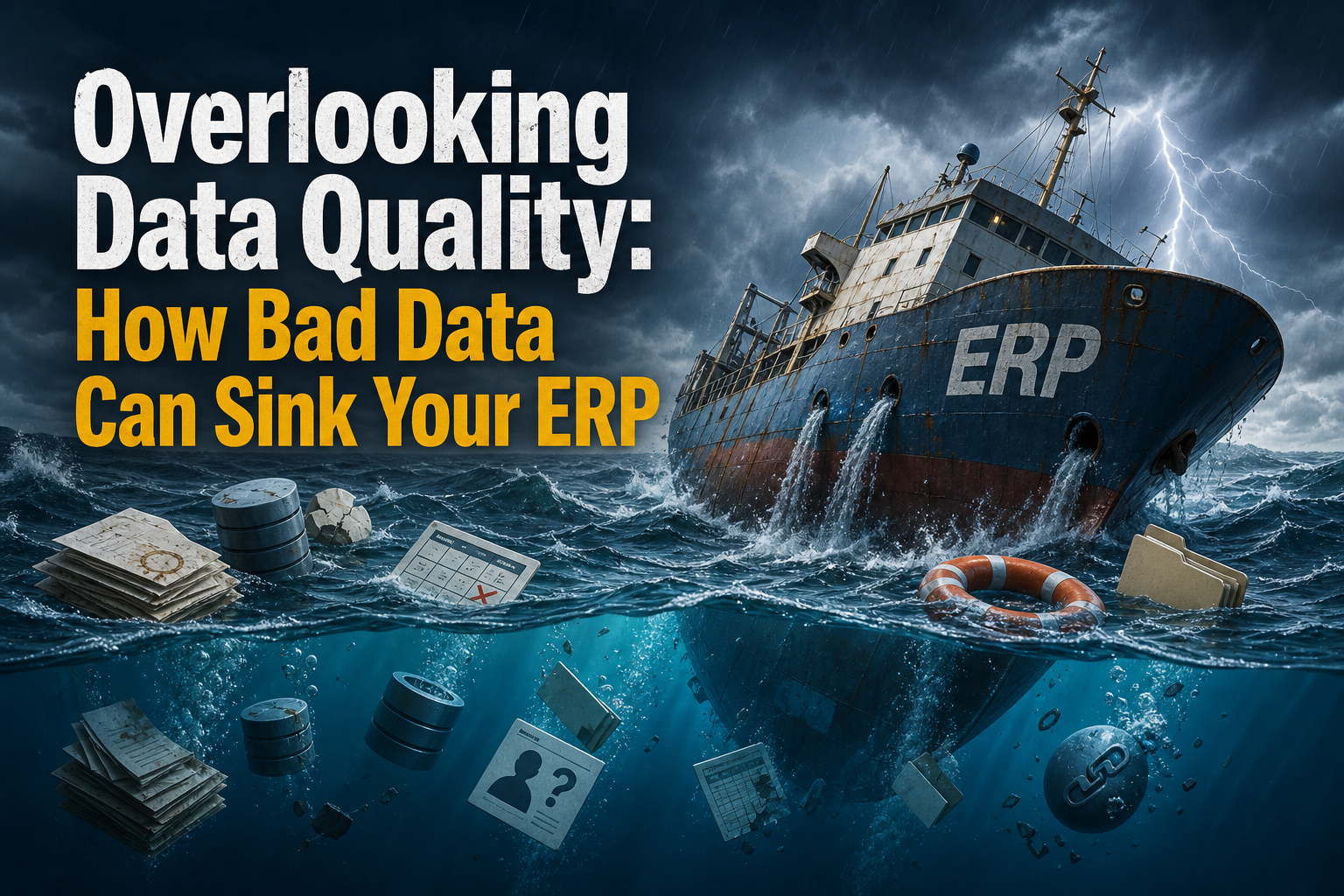
Few things sabotage an ERP faster than bad data. It’s easy to underestimate how tough this is: years of duplicate records, outdated info, and sloppy data entry all get carried over to the new platform if you don’t have a serious cleanup plan. You end up with a shiny new system haunted by old problems—only now, they’re right out in the open.
I’ve seen it firsthand. In a retail chain, the rush to migrate meant importing customer and product databases without a proper screening. Within the first week, orders showed up with swapped names, invalid addresses, and products with fake inventory. The mess was so big that users went back to spreadsheets to “fix” the ERP, undermining its credibility and bringing back the very errors the project was supposed to end.
Avoiding this means making data quality a priority from day one. Start by mapping all data sources—from customer files to supplier lists—and pinpoint business-critical fields. Simple checks for duplicates, incomplete info, and outdated records can make a huge difference before any migration begins.
Another vital step is assigning clear ownership for each data domain. When responsibility is vague, no one feels accountable for quality. That’s why successful companies appoint data owners for areas like products, customers, and finance, and require sign-off before anything’s moved over.
The job isn’t done after migration. You need to validate data in a test environment, using real-world cases, to catch inconsistencies and avoid the classic “we’ll fix it later” trap. The ERP Software Blog notes that hoping the system will magically clean up data issues is a sure way to start the project off wrong—and rack up extra costs.
Underestimating Training and Change Management
One of the most dangerous myths in ERP projects is thinking training is just a quick workshop or a digital manual. In reality, poor user preparation and weak change management are top reasons for low adoption and widespread frustration.
I’ve worked with a services company that offered just a single training session per department. As soon as the system went live, questions exploded: no one knew how to log exceptions, reports didn’t generate like before, and support got swamped. People quickly went back to their old tracking methods, undoing the investment in ERP.
Experience shows that training isn’t a one-off event—it’s an ongoing process. Start by explaining why the ERP is being implemented and how it affects each user role. That lowers resistance and gets people engaged from the start. Next, develop training tailored to each area—purchasing, sales, finance—delivered before go-live and backed up by quick-reference materials.
True change takes hold when support doesn’t stop on launch day. Digital adoption tools—those step-by-step guides built right into the system—help reduce errors and questions during daily use, so it’s not all on the initial training. Holding follow-up sessions after major updates keeps everyone sharp and ready to make the most of new features.
Good change management also requires ongoing communication: spell out what improvements to expect, listen to concerns, and celebrate small wins along the way. Well-informed, well-trained users don’t just use the system correctly—they help spot improvements and find new ways to get value from the ERP.
When Customization Goes Overboard

The urge to tweak the ERP to match every quirk of old processes is strong, especially when users want things “just like before.” But going overboard on customizations leads to bloated systems, expensive maintenance, and updates that turn into nightmares.
I’ve seen companies approve dozens of custom features to replicate legacy routines in the new ERP. At first, this seems perfect: everyone feels heard. But soon, the system is so modified that every update requires weeks of rework and special testing. When external changes force a system upgrade, the cost and complexity can spiral, putting serious strain on IT resources.
To keep things sane, I recommend thoroughly documenting business needs before you even sign with a vendor. This wards off last-minute surprises and rushed requests. Every customization should be scrutinized: Does it add real value, or just keep an outdated habit alive? Often, the ERP’s standard features offer more efficient solutions based on industry best practices.
Use the rollout as an opportunity to streamline and standardize processes, leaving behind workarounds that only existed because the old system had no alternative. This makes future updates easier, lowers support costs, and helps new hires get up to speed without deciphering “legacy tricks.”
The right balance is customizing only what’s essential and making the most of native platform features. That leads to a more stable, cost-effective system that’s ready to grow with your business.
What Makes ERP Rollouts Actually Work
Teams that pull off smooth ERP launches with minimal business pain tend to share a few key habits. First, they start with clear business objectives and a detailed spec for requirements, integrations, and success metrics—all documented before signing with the vendor. This keeps everyone’s expectations in check and avoids unpleasant surprises at go-live.
Another crucial difference is treating testing as a core phase, not a box to tick. The right approach is multiple rounds: start with unit testing, then integrate between departments, run full-load simulations, and finally validate each critical scenario with business users. Only after users sign off is the system cleared for production. This drastically cuts the risk of hidden failures that only surface when it’s too late.
In successful projects, data migration starts early and is a company-wide responsibility—not just IT’s. Each department has a data owner who reviews, signs off, and approves their content before anything’s imported. The ERP goes live with trustworthy data from day one.
For training and support, standout teams invest in ongoing learning, practical resources, active Q&A channels, and even built-in digital guides. Post-go-live support isn’t an afterthought: there are clear maintenance owners, performance monitoring, scheduled updates, and regular retraining after major changes.
What really separates the wins from the headaches is paying attention to early warning signs. Unrealistic timelines, lack of sponsorship, endless customization requests, or orphaned data almost always show up early—you just need to spot them and act before they escalate. ERP success isn’t only about technology; it’s about changing company culture, process, and mindset. The teams that get this from the start build systems that keep pace with their business—while sidestepping mistakes that others have learned the hard way.

I’m Omar Khalil, and I’ve spent the past decade working within the MEA technology channel ecosystem, from distribution in Dubai to partner enablement across Africa. I write about practical strategies for vendors, distributors, and resellers navigating the unique challenges of selling technology solutions in the Middle East and Africa. My focus is on actionable intelligence drawn from real market experiences, not generic theory. When I’m not writing, I’m usually at a channel event somewhere between Riyadh and Read the full About the author page.