How to Automate Billing for Recurring Cloud Services: Step-by-Step Guide
Learn how to automate billing for recurring cloud services, combining subscriptions and usage charges for accurate, efficient, hands-off invoicing in 2026.
No one ever starts out thinking their cloud billing process will become a time sink. But after a few cycles of chasing usage reports, reconciling manual invoices, and fixing errors in spreadsheets, frustration sets in. You watch hours disappear every month, just trying to send accurate bills for services that should be predictable. That’s when the idea of automating billing for recurring cloud services stops sounding futuristic and starts feeling like a necessity.
Where Billing Automation Begins: Capturing Billable Events
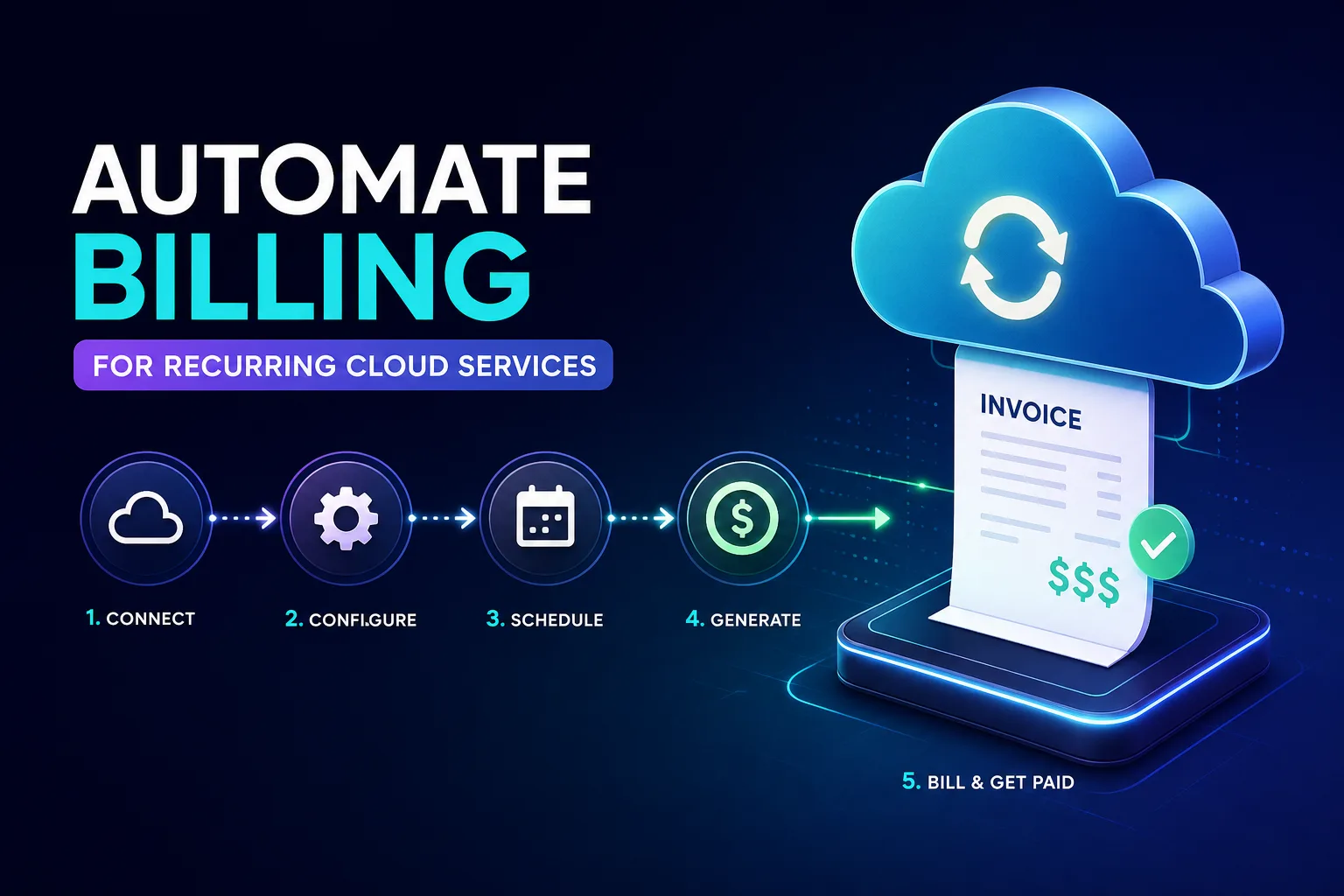
The first real step toward reliable automation isn’t picking a platform or writing pricing rules—it’s capturing every billable event as it happens. This means connecting your source-of-truth systems: professional services automation (PSA), ticketing tools, or metering platforms that track usage in real time.
For a managed service provider, this might involve integrating your PSA so each closed ticket that carries a billable charge gets pulled into your billing workflow automatically. In the world of cloud services, metering platforms track storage, backup, or cybersecurity consumption by the gigabyte or per endpoint, feeding that data directly into your billing system. The key here is making sure no event slips through the cracks—if it isn’t captured, it won’t be invoiced.
This initial capture isn’t just about usage. Subscription renewals, one-time setup fees, or even volume discounts need to be tracked as discrete billable events. When you automate this step, you move away from chasing emails and spreadsheets, and instead rely on a system that logs every chargeable action as it happens. Missing this foundation is where most automation projects stumble.
Recurring billing and usage-based charges seem similar until you try to automate both in the same workflow. Recurring billing is straightforward: you charge a fixed amount at set intervals—monthly SaaS licenses, for example. Usage-based billing, on the other hand, depends on actual consumption—like the amount of data stored or the number of backups run in a month.
Automating both requires clearly segmenting each charge type before mapping them to the right billing rules. If you lump everything into a single category, you’ll either overbill or underbill, and customers will notice. The workflow should separate recurring subscriptions from usage data, so that each follows its own path: subscriptions are charged by interval, while usage is rated against metered data.
It’s easy to overlook edge cases. For instance, a customer might have a base subscription plus overage charges when they exceed their storage limit. If the system isn’t built to handle these scenarios, you end up with manual corrections—defeating the whole point of automation. The lesson learned by many MSPs and SaaS vendors is to define these segments upfront and test with sample data before letting automation run unsupervised.
Key Features to Look For in Automated Billing Platforms
Not every platform that claims “cloud billing automation” will handle your real-world needs. At a minimum, you want support for recurring invoicing, subscription billing, and usage rating in one workflow. This lets you combine fees for monthly licenses, one-time onboarding, and variable usage on a single invoice.
Look for roll-up invoices if you have customers with multiple services or accounts—this lets you send one consolidated bill instead of a stack of separate ones. A self-service billing portal is also a must-have for cloud customers who want to review charges, download invoices, or update payment info without opening a ticket.
Automation should extend beyond just calculating totals. The system needs to apply discounts, add appropriate taxes, and generate detailed billing reports that your finance team can trust. If you’re managing renewals or cancellations, your platform should handle those without manual intervention. Modern solutions reviewed by Gartner and others, like those from Acronis, Sage, or Salesforce, all focus on automating these core features.
It’s worth noting that integration with your accounting workflows—such as syncing invoices with your general ledger or cloud accounting tools—is equally important. This keeps your billing and financial reporting in sync, reducing end-of-month surprises.
Setting Up Flexible Recurring Billing Schedules
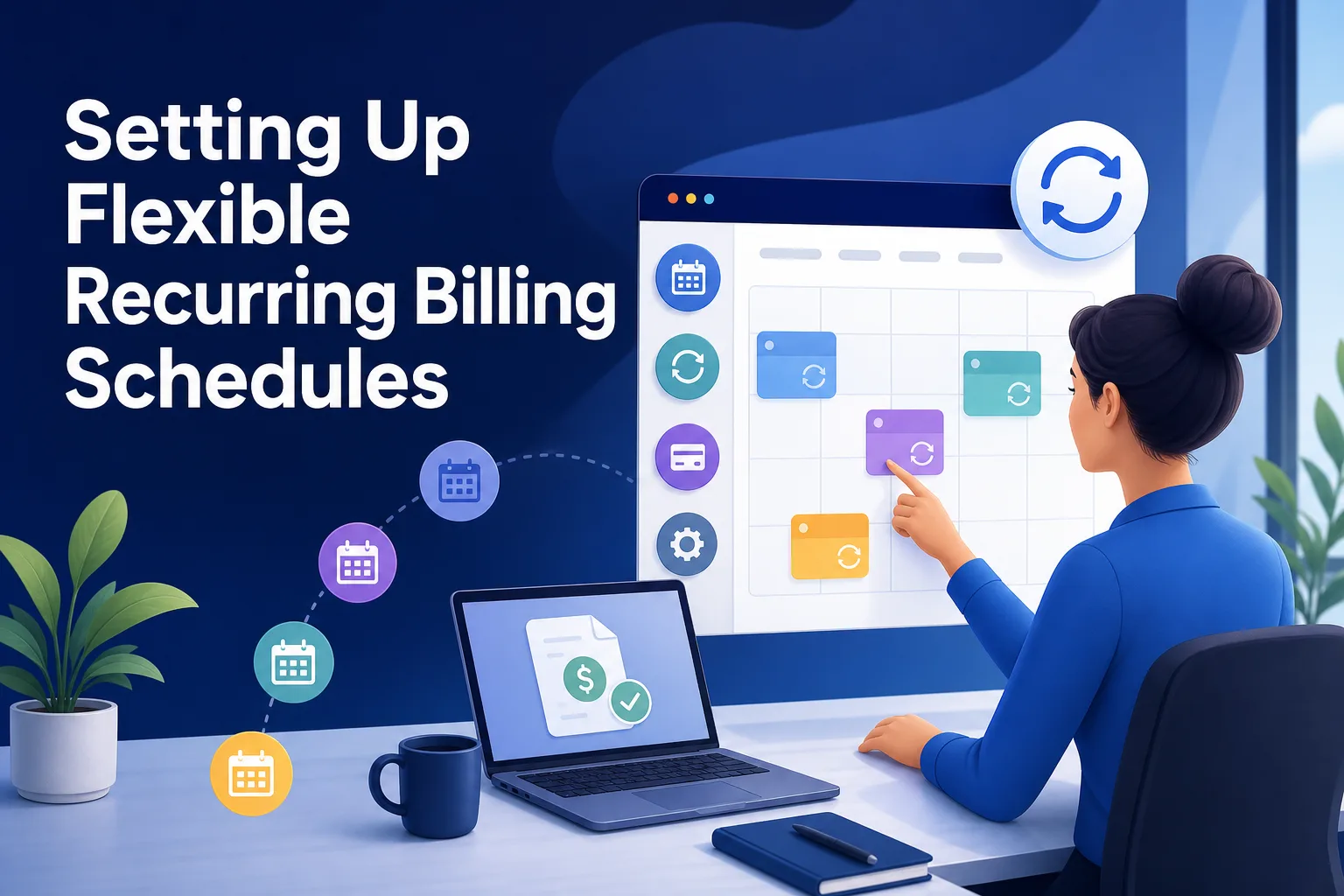
One of the biggest wins with automation is the ability to schedule recurring bills at intervals that fit your business and your clients’ needs. Whether you bill weekly, monthly, quarterly, or annually, a solid billing system lets you set it up once and let the system handle the rest.
For example, you might have SaaS licenses billed monthly, while annual security subscriptions get charged once a year. With modern billing platforms, you can mix and match these schedules per customer or service. You can also choose between auto-approval—where invoices are sent without manual review—or a workflow that routes drafts to your finance team for sign-off.
Vendor-side workflows benefit too. Accounting tools like QuickBooks Online or Xero can be integrated to automate outgoing payments for your own cloud expenses, not just customer invoices. Setting up recurring vendor bills is as simple as selecting the frequency and deciding if you want auto-payment or manual approval.
A practical tip: start by mapping your current billing cycles and look for patterns. Are there customers who always pay late because their billing frequency doesn’t match their purchasing cycle? Adjusting your schedules can improve cash flow and reduce collection headaches.
Real-World Example: Blending Subscription and Usage Billing
Let’s say you’re an MSP offering a cloud backup service. Each customer pays a fixed monthly fee for a set number of licenses. That’s your classic recurring charge. But customers also store varying amounts of data each month, so you need to bill them for usage on top of their base fee.
First, your metering system tracks each customer’s storage consumption. That data flows into your billing platform, which maps usage to your predefined pricing tiers. Maybe you charge a certain rate per gigabyte after a base allowance. The system calculates the total automatically, applies any volume discounts, and adds the usage fee to the customer’s monthly invoice.
Meanwhile, if a customer upgrades their license count mid-cycle or cancels a service, those events are captured as billable actions and reflected on the next bill—no manual adjustment needed. The end result is a single invoice that blends subscription and usage charges, with a clear breakdown for the customer.
This blended workflow is the backbone of modern cloud billing. It lets you scale without growing your finance team, and it gives customers transparency so they can audit their own bills. The main lesson: test your full workflow with real data before switching off manual oversight. Even the best automation won’t fix a broken process if the initial setup is wrong.
Taking the First Step Toward Automated Billing
Getting started with automate billing recurring cloud services doesn’t require a complete overhaul on day one. Begin by identifying where your billable events originate—PSA, ticketing, or metering systems—and make sure every chargeable action is logged and accessible for automation.
Next, segment your billing rules for recurring and usage-based charges. This might mean documenting your existing plans and usage scenarios in detail, so you can map them to the right workflows. When evaluating platforms, try out features like roll-up invoicing and scheduling flexibility with a subset of your customer base before rolling out to everyone.
Finally, set aside time to run real billing cycles in test mode. Review the generated invoices, spot-check for missing or misapplied charges, and get feedback from your finance team. Fixing gaps at this stage is far easier than untangling errors after customers receive incorrect bills.
Automating cloud billing is a practical, step-by-step journey—not an overnight switch. The payoff is less time spent on routine admin, fewer errors to fix, and invoices that reflect exactly what your customers use and expect. The sooner you start, the sooner billing can become one less thing to worry about.